

The AI Generation Studio: A Complete Walkthrough
An in-depth tour of every feature in the Fittins AI generation studio. Learn the prompt input, model selector, aspect ratio controls, character integration, and the Explore gallery.

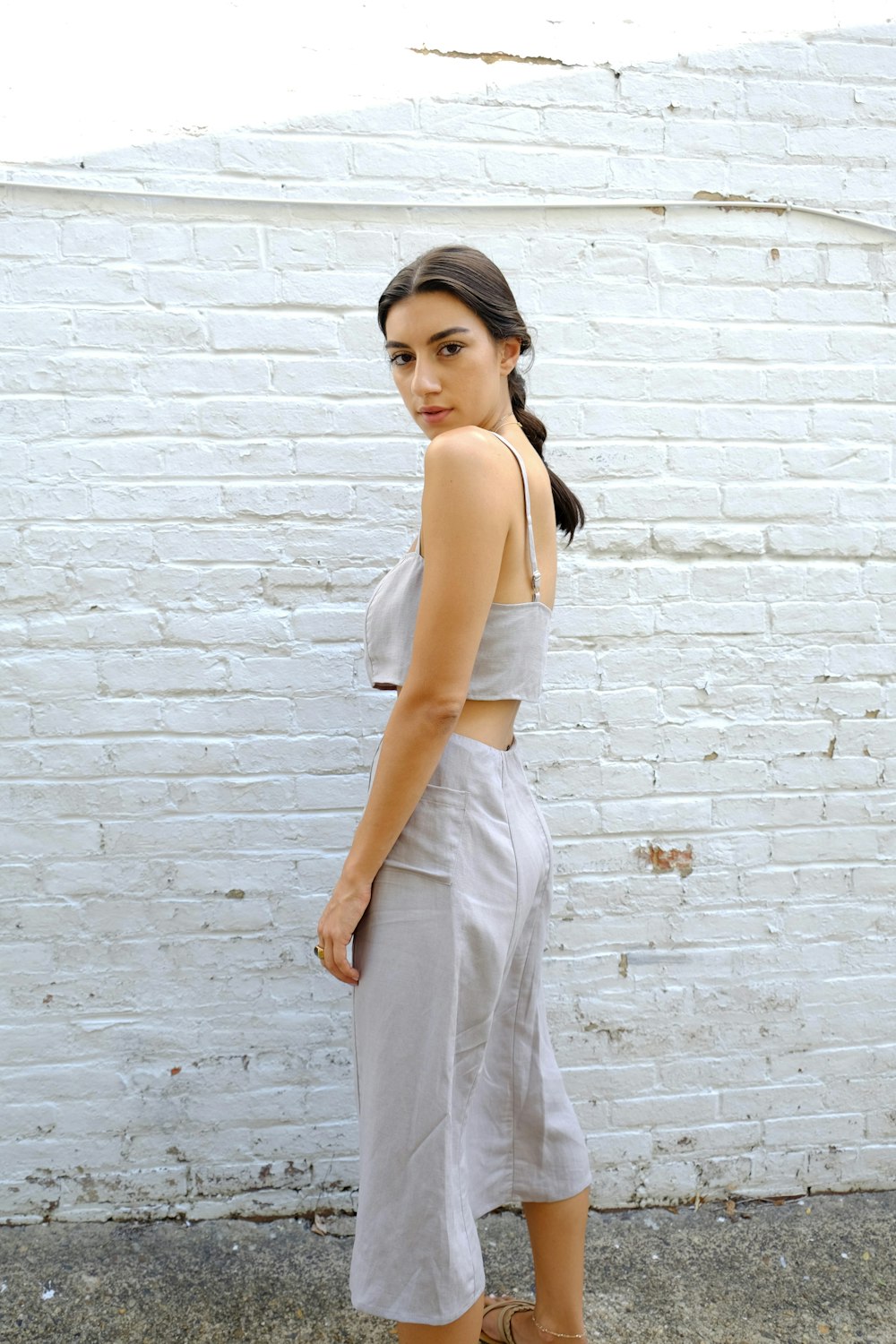
Made with Fittins AI · View this image
The AI Generation Studio is the heart of Fittins AI, where your creative vision meets artificial intelligence. This comprehensive walkthrough covers every feature, setting, and workflow available in the studio so you can make the most of its capabilities from day one.
The Prompt Input Area
The prompt input is the central text area where you describe the fashion content you want to create. It supports detailed prompts of up to 1,500 characters, enough for a full creative brief. Alongside the prompt, every generation needs an AI model and 1 to 3 photos of your products. Write your prompt the way you would write a creative brief: comprehensive, specific, and vivid.
Model Selection Panel
The model selector lets you choose one of four AI model tiers: Turbo and Default on every plan, Premium (for images from Creator Starter, for video from Creator Pro) and Ultra (from Creator Business). Higher tiers aim for more detail and cost more credits per generation. Separately, you choose the AI model (character) who will wear your products, from the library or from your own custom models.
Generation Settings
Configurable Settings:
- Aspect Ratio -- For images choose 1:1, 9:16, 16:9, 3:4, 4:3, 3:2 or 2:3; for video 1:1, 16:9 or 9:16. Match this to your content's final use case.
- Quality Level -- Images are 1K on every plan, with 2K, 4K and 8K from Creator Starter; video is 1K, with 2K and 4K from Creator Pro. Use lower quality while exploring and higher quality for finals.
- Character Selection -- Every generation needs an AI model (character): pick one from the library or apply your custom AI characters (from Creator Kickstart) for consistent model appearance across generations.
- Type Selection -- Choose between image and video generation. Videos are 5 or 10 seconds, with optional ambient sound effects (no voiceover or music), and are available from Creator Kickstart.
The Explore Gallery
Below the generation controls, the Explore Gallery showcases example generations in a beautiful masonry grid. This serves as both an inspiration source and a learning tool. Click any image to see the prompt, products, AI model and location used to create it. You can copy prompts directly and use them as starting points for your own work.
Learning by Example
The fastest way to improve your prompting skills is to study the Explore Gallery. Find images that match the quality and style you want, examine their prompts, identify the techniques used, and adapt them for your own concepts.
The generation studio was designed to feel like a photography studio: everything you need is within arm's reach, organized for the fastest path from idea to finished image.
— Fittins AI Team
Continue reading

