
Creating a Professional Fashion Lookbook with AI
Plan and produce a complete, cohesive fashion lookbook using AI. Covers concept development, shot list planning, character consistency, style anchoring, and final curation.

Made with Fittins AI · View this image
A lookbook is the ultimate test of AI fashion content production: it demands visual consistency across dozens of images while telling a cohesive brand story. The traditional lookbook requires photographers, models, stylists, makeup artists, location scouts, and weeks of production time. With Fittins AI, you can produce a professional lookbook in a single day. This tutorial shows you exactly how.
Phase 1: Concept Development
Define Your Creative Direction
Every lookbook starts with a concept. What is the collection theme? Autumn minimalism? Mediterranean resort? Urban streetwear? Define the mood, color palette, setting archetype, and the story you want to tell. Write this down as a one-paragraph creative brief that you will reference throughout the production process.
Create Your Style Anchor
Craft a consistent phrase (15-25 words) that will appear at the end of every prompt in the lookbook. This style anchor ensures visual cohesion across all images. Example: "warm golden Mediterranean light, natural linen textures, earthy muted palette, analog film grain, Contax T2 aesthetic, 35mm".
Build Your Character
Create a custom character who will appear throughout the lookbook. A consistent model ties the entire collection together and creates brand identity. Use the character creation feature with high-quality reference images.
Phase 2: Shot List Planning
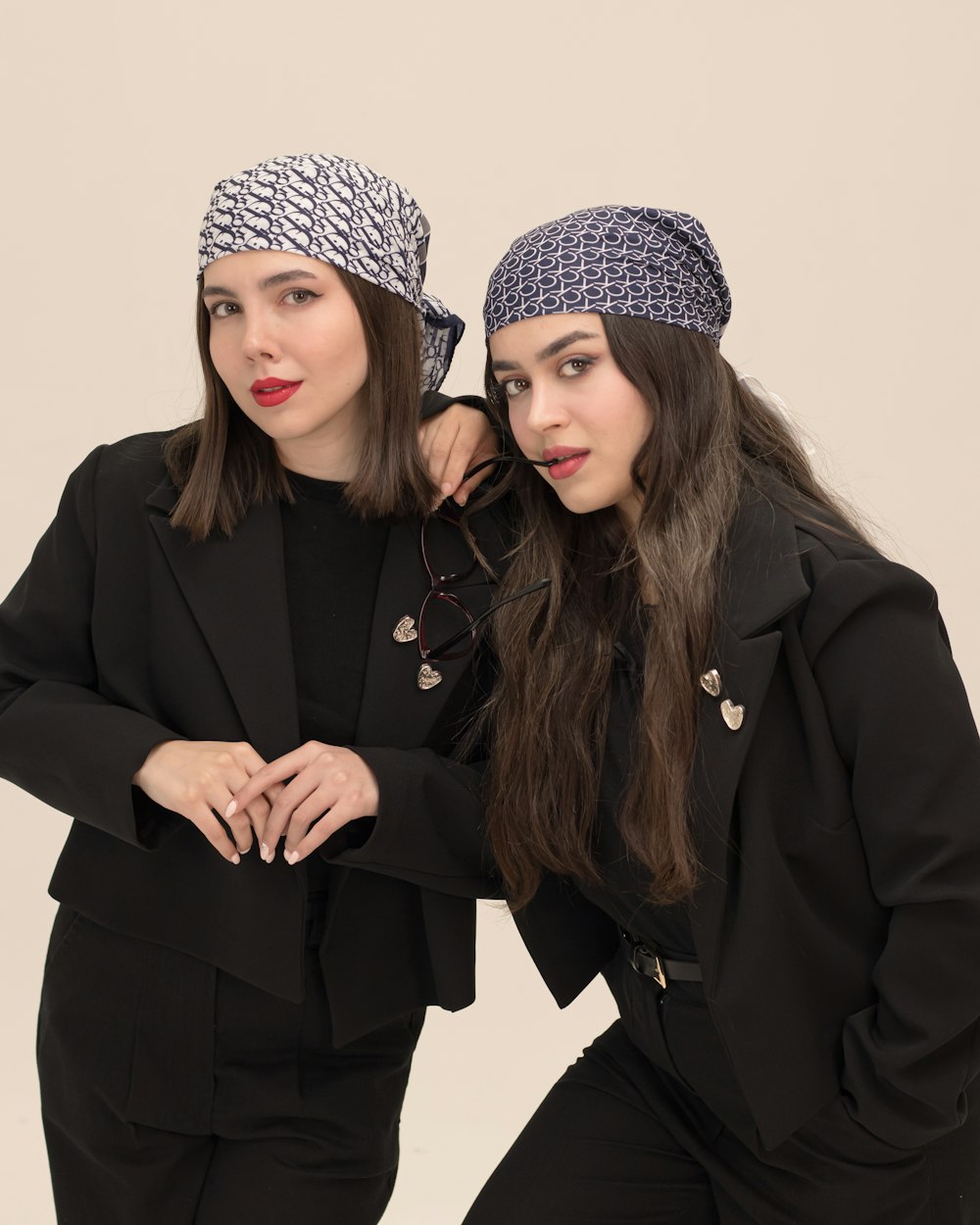
A professional lookbook follows a deliberate shot progression. Plan your images across these categories:
Lookbook Shot Categories:
- Hero Shots (2-3) -- Full-page, high-impact images that open sections and set the mood.
- Full Outfit Shots (6-8) -- Standard full-body views showing complete looks.
- Detail Close-Ups (3-4) -- Tight crops on fabric textures, accessories, or construction details.
- Lifestyle Context (2-3) -- The model in real-world settings wearing the collection pieces.
- Styled Accessory Shots (2-3) -- The model holding or wearing accessories and smaller pieces, grouped by theme.
Phase 3: Generation and Curation
Generate 3-5 variations of each planned shot. Not every generation will be perfect, and that is expected. The power of AI is in volume: you can produce dozens of options and curate the strongest ones. Apply your style anchor to every prompt, use your custom character consistently, and maintain the same lighting language throughout.
The Curation Process
When curating, look at your images as a collection, not individually. An image that is technically perfect but clashes with the overall mood should be replaced. An image that is slightly imperfect but perfectly captures the lookbook's story should stay. Think like an art director, not a pixel-peeper.
Phase 4: Final Quality and Delivery
Fittins AI has no separate post-production step: model tier and resolution are set when you generate. For your final shots, use a higher model tier (Premium from Creator Starter, Ultra from Creator Business) for the most photographic detail, and choose 4K quality (available from Creator Starter) for print or high-resolution digital delivery. Download your final selections as PNG files, ready to lay out as publication-ready assets.
The secret to a great AI lookbook is the same as the secret to a great traditional lookbook: a clear concept, a consistent character, and a deliberate visual story. AI just lets you execute that vision in hours instead of weeks.
— Fittins AI Team
Continue reading
