The definitive guide to incorporating readable text, logos, and typographic elements into AI fashion images. Covers the six rules for reliable text rendering, prompt templates for merchandise and branding, advanced typography techniques, and professional workflows.
Text rendering has historically been the Achilles heel of AI image generation. Standard image generation models produce garbled, unreadable text that ruins otherwise beautiful images. They treat letters as visual patterns rather than linguistic symbols, resulting in character distortion, misspellings, and illegible output. The Fittins AI Text-in-Image Model breaks this limitation entirely, delivering crisp, legible text integrated naturally into fashion designs. This makes it the essential tool for branded merchandise mockups, social media graphics with text overlays, logo placement testing, and any fashion content that needs readable typographic elements.
This comprehensive guide teaches you everything you need to know about creating fashion content with integrated text: how the Text-in-Image Model works differently from standard generation models, the rules for reliable text rendering, prompt templates for common use cases, advanced typography techniques, real-world applications for fashion brands, and the professional workflows that produce stunning branded content.
While standard AI image generation models like the Turbo, Default, Premium, and Ultra tiers treat all visual elements uniformly, the Text-in-Image Model has a dual-processing architecture: it understands text as linguistic symbols (with correct spelling, character structure, and font relationships) while simultaneously understanding the visual context (the garment surface, the lighting, the perspective) where the text must be placed. This dual understanding is what enables reliable, readable text rendering that standard models cannot achieve.
The practical implication is simple: whenever your fashion image needs readable text, use the Text-in-Image Model. For everything else (photorealism, fabric detail, lighting quality), use the standard tiers. If you need both text and maximum photorealism, generate the text version first, then use the Image Editor to refine other elements, or generate the photorealistic version first and add text elements through the Text-in-Image Model.
The Text Model Advantage
Standard generation models (including Ultra) have approximately a 10-20% success rate for rendering readable text. The Text-in-Image Model achieves 90%+ accuracy for short text (1-3 words) and 70-80% for medium text (4-6 words). This is the difference between unusable output and professional-grade branded content.
After extensive testing across thousands of text-in-image generations, we have identified six rules that maximize text rendering accuracy. Follow all six for the best results.
Single words or two-to-three-word phrases render most reliably. "LUXE" is dramatically more reliable than "Luxury Collection Spring/Summer 2026." If you need longer text, consider breaking it into multiple generation attempts with different text segments, or use the shortest version that communicates your brand message.
Always wrap the exact text you want rendered in quotation marks within your prompt. This tells the model explicitly: "this is the text I need rendered literally, not interpreted as a description." For example: 'with the word "NOIR" printed on the chest' is much more reliable than 'with the word Noir on the chest.'
Describe the font style using visual characteristics rather than font names. "Bold sans-serif" is more reliable than "Helvetica." "Elegant thin serif" is more reliable than "Didot." The model understands visual font properties: bold, thin, condensed, expanded, serif, sans-serif, script, geometric, hand-written, uppercase, lowercase.
Tell the model exactly where the text appears on the garment or in the image: "centered on the chest," "along the left sleeve," "on the pocket area," "across the back," "on the front of the shopping bag." Without explicit placement, the model may place text in unexpected locations.
Differentiate between different text scales: "large graphic text spanning the full torso" versus "small embroidered text on the collar" versus "medium-sized logo on the breast pocket." Size context helps the model allocate the right amount of visual space for the text.
The visual relationship between text style and garment type matters for convincing results. Luxury brands need elegant serifs. Streetwear needs bold sans-serifs or graffiti-style lettering. Athletic wear needs dynamic, angular typography. Matching text style to garment context produces results that look intentionally designed rather than artificially generated.
"A premium white heavyweight cotton t-shirt displayed flat on a
clean white background, with the word "MAISON" printed in large,
thin, elegant black serif letters centered across the chest,
minimalist design, high-end fashion branding, clean product
photography with soft even lighting from above, no wrinkles,
crisp fabric, studio shot on white seamless backdrop, 4K resolution"

--- Key elements ---
- Garment description: white heavyweight cotton t-shirt
- Text in quotes: "MAISON"
- Font described: thin, elegant black serif
- Placement: centered across the chest
- Style context: minimalist, high-end fashion branding
- Photography direction: clean product photography, even lighting"A black oversized pullover hoodie worn by a male model standing
against a concrete wall, with the text "REVOLT" printed in large,
bold, distressed white block letters across the chest, urban
streetwear aesthetic, slightly oversized fit with the hood down,
cool evening street lighting with blue and pink neon reflections,
moody atmosphere, street fashion photography""A structured leather handbag in cognac brown with gold hardware,
featuring the letters "JD" monogrammed in small, elegant gold
serif font on the front flap center, luxury brand product shot on
a marble surface with soft directional studio lighting, premium
accessory photography, close-up detail shot showing leather grain
and stitching quality""A fashion model in an elegant evening dress posed in a dimly lit
luxury interior, with the text "NEW COLLECTION" displayed in clean,
modern, white sans-serif capital letters overlaid in the lower third
of the image, editorial fashion photography style with warm amber
lighting, the text appears as a graphic overlay integrated naturally
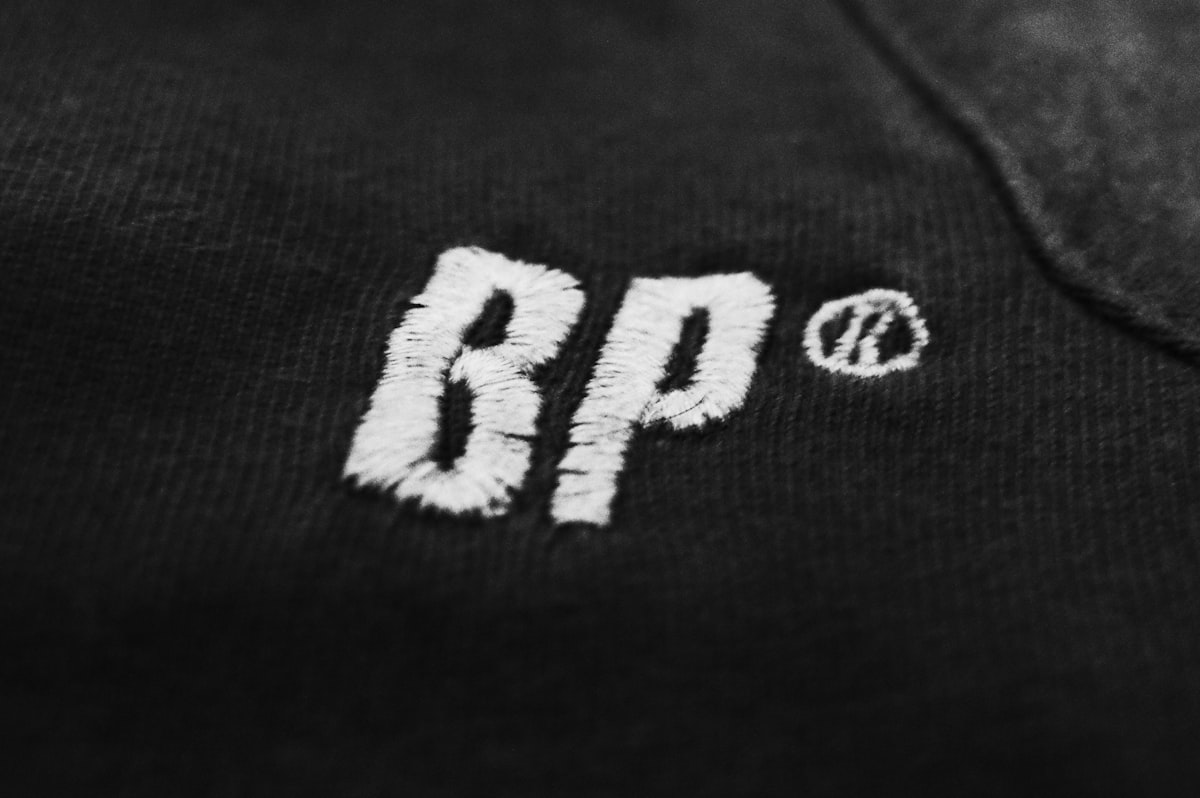
into the composition, fashion brand social media announcement post"To create the appearance of embroidered text (rather than printed), add texture-specific language to your prompt: "embroidered in raised thread," "chain-stitch embroidery," or "satin-stitch embroidered text." Combined with a close-up shot specification, this produces remarkably realistic embroidered branding that shows thread texture and dimensional stitching.
For metallic effects, describe the light interaction: "gold foil text that catches and reflects the studio lighting" or "chrome metallic letters with mirror-like reflections." The model renders specular highlights and metallic color shifts that create a convincing foil or metallic print appearance.
For vintage or worn aesthetics: "faded, cracked vintage screen-print" or "distressed block letters with worn edges and faded areas." This is particularly effective for streetwear and vintage-inspired fashion branding where imperfection is part of the design language.
The Text-in-Image Model handles text on various surfaces: fabric, leather, paper, metal, wood, and glass. For each surface, describe how the text interacts with the material: "printed on the cotton surface" versus "embossed into the leather" versus "engraved on the metal plate." Surface interaction description dramatically improves the realism of the text rendering.
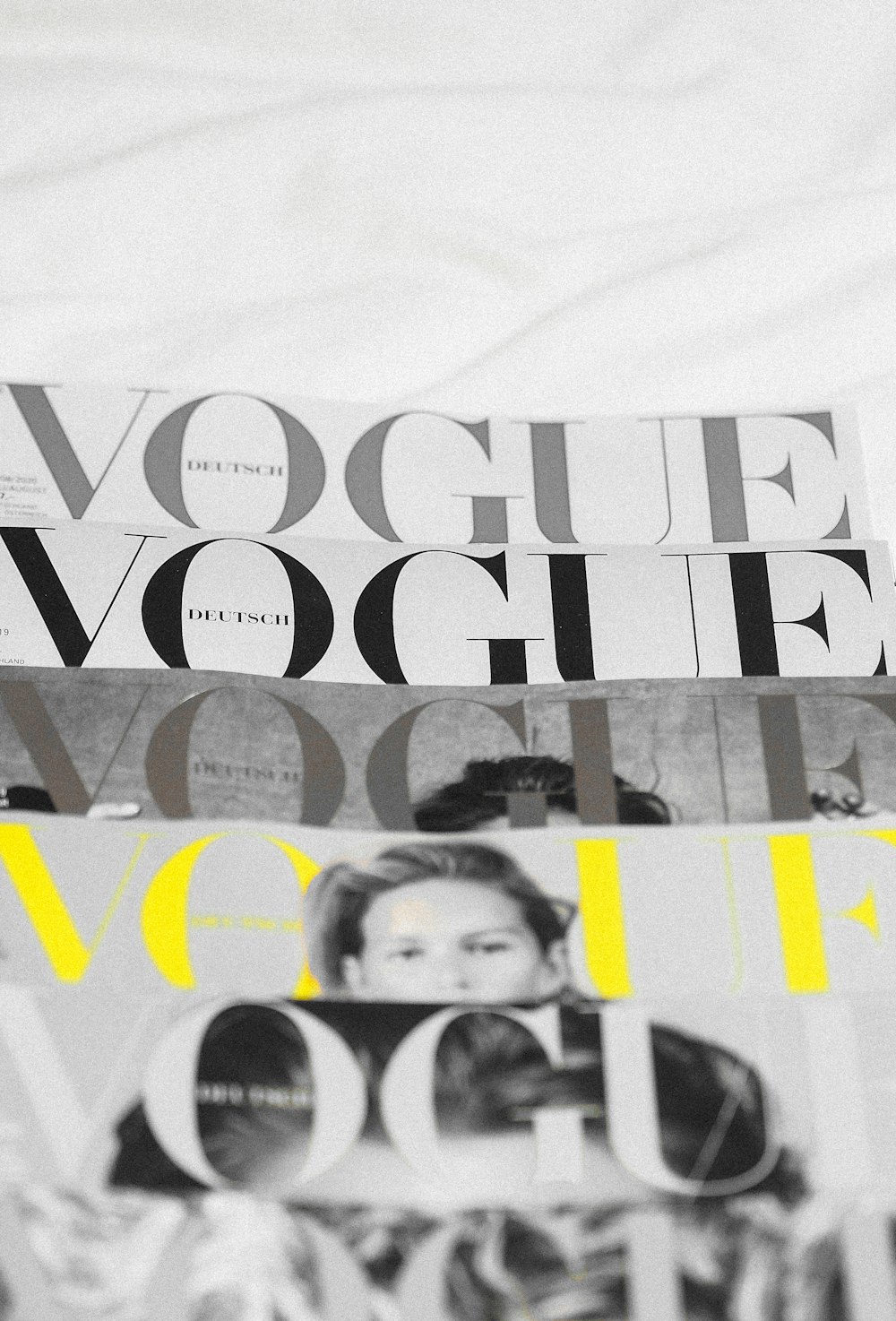
The Text-in-Image Model opens creative possibilities that previously required graphic design software, physical product samples, or expensive photography.
Brand Applications:
While the Text-in-Image Model is the best available tool for text rendering in AI-generated images, it has limitations that you should understand for reliable professional use.
Current Limitations:
Always Proof-Read Generated Text
Even with the Text-in-Image Model, always carefully review every character in the rendered text before using the image in production materials. Occasionally, a character may be slightly wrong or a letter may be duplicated. A quick visual proof saves you from publishing branded content with a typo. If any character is wrong, simply regenerate. The short generation time makes iteration fast.
The Text-in-Image Model works powerfully in combination with other Fittins AI tools to create polished, production-ready branded content.
Combination Workflows:
Fashion is 50% visual and 50% brand story. The Text-in-Image Model gives you the ability to tell both parts of that story in a single, cohesive image. Branded merchandise, campaign visuals, social media content, and packaging concepts all benefit from the integration of readable, professionally styled text within AI-generated fashion imagery.
Follow the six rules (short text, quotation marks, font description, explicit placement, size context, style matching), use the prompt templates as starting points, and always proof-read the output. With practice, you will develop an intuitive sense for prompt construction that produces reliable, stunning branded fashion content on the first attempt.
Fashion is 50% visual and 50% brand story. The Text-in-Image Model gives you the ability to tell both parts of that story in a single, cohesive image.
— Fittins AI Team
Continue reading