

Mastering Turbo, Default, Premium & Ultra: The Complete Fashion Model Guide
The definitive guide to Fittins AI's four fashion image generation tiers. Learn when to use Turbo for speed, Default for reliability, Premium for quality, and Ultra for perfection. Includes prompt strategies, professional workflows, and credit management techniques.

Made with Fittins AI · View this image
Fittins AI gives you four purpose-built model tiers for fashion image generation: Turbo, Default, Premium, and Ultra. Turbo and Default are available on every plan; Premium is available for images from Creator Starter (for video from Creator Pro), and Ultra from Creator Business. Each tier represents a different balance of speed, credit cost, and visual fidelity. Choosing the right model for the right task is the single most impactful skill you can develop on the platform. This comprehensive guide will break down every model, show you exactly when and how to use each one, provide side-by-side prompt examples, and teach you a professional multi-tier workflow that top creators use to slash costs while maximizing quality.
The Four Fashion Model Tiers at a Glance
Before diving deep into each model, here is a quick-reference comparison so you can orient yourself. Think of these tiers like camera lenses: a kit lens gets the job done, a prime lens is sharper, and a Zeiss Otus is in a league of its own. None of them is "wrong" -- they serve different creative and commercial purposes.
Model Tier Quick Reference:
- Turbo -- The fastest tier. Lowest credit cost. Best for rapid brainstorming, mood-boarding, and testing prompt variations at scale. Output quality is good but not production-grade for print or high-res campaigns.
- Default -- The balanced workhorse, available on every plan. Moderate credits (40 for a 1K image). Excellent everyday quality for social media posts, website imagery, look-book drafts, and client previews.
- Premium -- High-fidelity generation, available for images from Creator Starter. Higher credit investment. Superior fabric detail, more accurate spatial composition, refined lighting. Ideal for editorial content, marketing campaigns, and e-commerce hero images.
- Ultra -- Maximum quality ceiling, available from Creator Business. Highest credit cost. Cinema-grade detail with photorealistic skin textures, thread-level fabric accuracy, and physically correct light behavior. Reserved for final production outputs, print advertising, and flagship campaign imagery.
Key Insight
The model tier you choose should match the destination of your image, not your ambition. A TikTok post seen at 1080px on a phone does not need Ultra quality. A double-page magazine spread absolutely does. Matching model to medium saves you credits and time without sacrificing perceived quality.
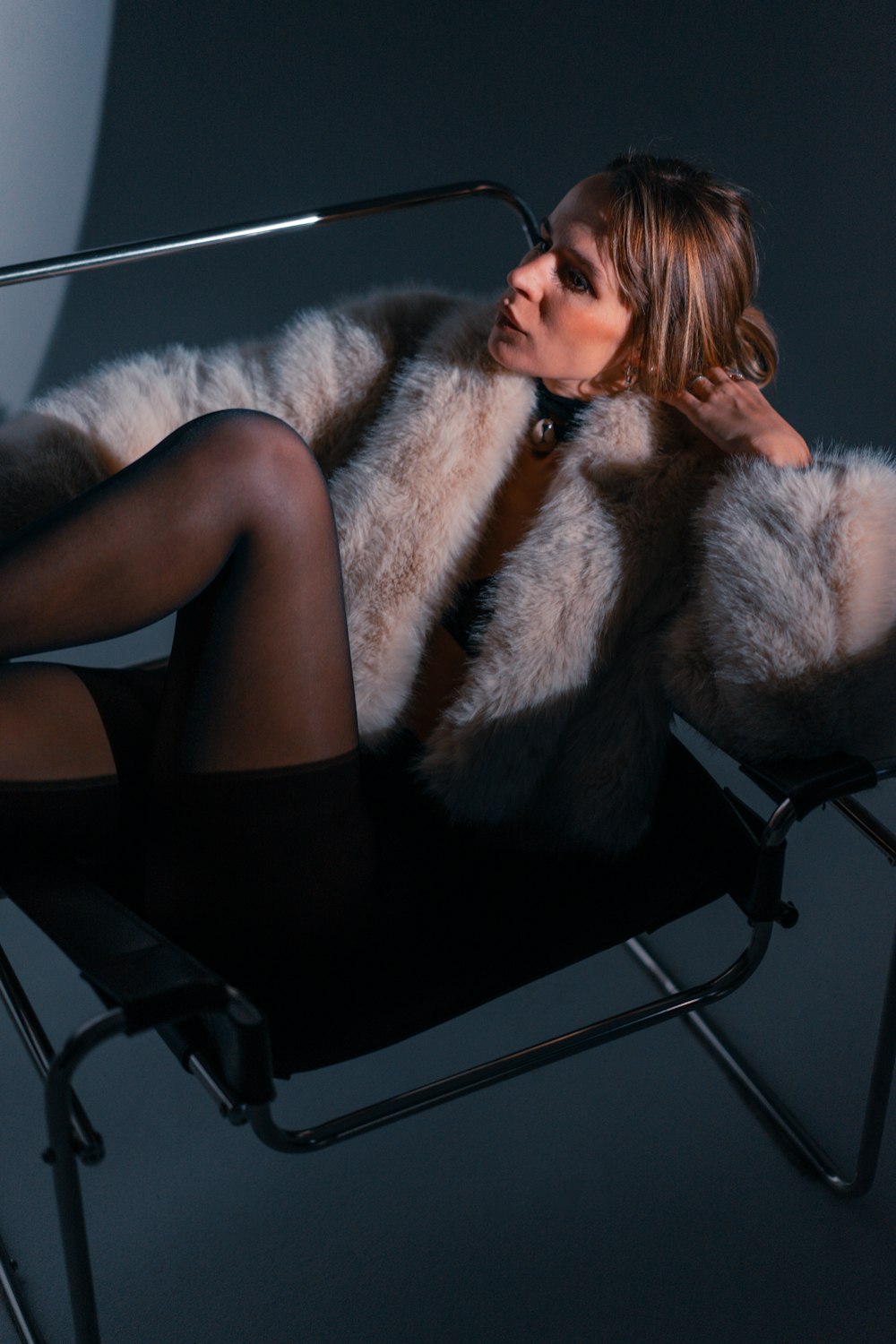
Turbo: The Speed Demon
Turbo is your first line of attack in any creative workflow. It is the fastest tier and has the lowest credit cost on the platform. The quality is deliberately optimized for speed over photographic perfection, which makes it the ideal tool for exploration, ideation, and rapid iteration. Professional fashion teams often run 20-30 Turbo generations in a single brainstorming session to explore silhouettes, color palettes, and mood before committing a single Premium or Ultra credit.
When to Reach for Turbo:
- Mood-boarding and brainstorming -- Quickly visualize concept directions before refining.
- Prompt testing -- Run the same prompt 5-10 times to evaluate consistency and identify winning phrases.
- Client concept presentations -- Generate rough visual directions to align with clients before investing in polished outputs.
- Social media stories and ephemeral content -- Content that disappears in 24 hours does not need Ultra fidelity.
- A/B testing ad creatives -- Generate dozens of variations cheaply, then promote the best-performing visuals to Premium or Ultra.
- Internal team communication -- Quick visual references for design briefs, spec sheets, and Slack discussions.
Turbo-Optimized Prompt Example:

"Fashion model in an oversized camel wool coat, white sneakers,
city street background, autumn golden-hour light,
fashion photography, clean composition"

--- Why this works for Turbo ---
- Simple, clear subject description
- One outfit, one background (no complex layering)
- Strong but uncomplicated lighting cue
- Style modifier is broad: "fashion photography"

Turbo handles this well and quickly.
Save the detailed fabric/lighting descriptions for Premium and Ultra.The 80/20 Rule for Turbo
Spend 80% of your prompt on the subject and clothing, 20% on everything else. Turbo renders subjects and garments well but simplifies environmental details. Front-load what matters most.
Default: The Reliable Workhorse
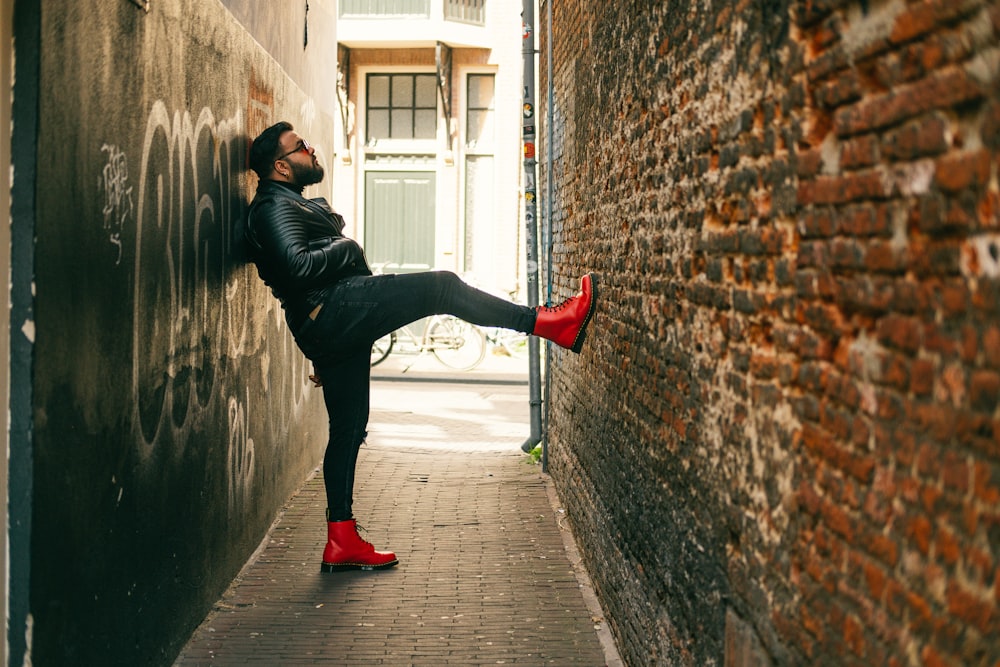
Default is the model most fashion creators use day in and day out. It hits the sweet spot between speed, cost, and quality. Credit cost is moderate (40 credits for a 1K image), and the output quality is strong enough for the vast majority of professional use cases: social media feeds, website banners, e-commerce product imagery, and client-facing look-book drafts.
What sets Default apart from Turbo is its improved understanding of spatial relationships and fabric behavior. Where Turbo may simplify a flowing skirt into a general shape, Default captures the individual folds, the weight of the fabric, and the way it interacts with the body. This jump in fidelity makes Default the minimum standard for any content that will be viewed at full resolution on a desktop screen or used in a professional context.
Default Shines For:
- Instagram feed posts and carousels -- High enough quality to look polished at 1080x1080.
- E-commerce product pages -- Clean, professional product imagery for online stores.
- Blog and article hero images -- Striking visuals that load fast and look great at standard web resolutions.
- Client look-book drafts -- Present seasonal collections with visual clarity before committing to Ultra-grade finals.
- Fashion website homepage banners -- Attractive enough for first impressions without the credit cost of Premium.
- Pinterest and long-form social content -- Where image quality drives engagement but volume is also important.
Default-Optimized Prompt Example:

"A female model in a tailored navy blue linen blazer with gold
button details, worn over a crisp white cotton crew-neck t-shirt
and high-waisted cream wide-leg trousers, standing in a sunlit
minimalist studio with white cyclorama wall, soft diffused
lighting from large window camera-left, clean editorial fashion
photography, Canon EOS R5, 85mm lens, f/2.8, shallow depth of
field, warm neutral tones"

--- Why this works for Default ---
- Clear fabric descriptions (linen, cotton, cream)
- Specific details (gold buttons, crew-neck, wide-leg)
- Defined lighting direction (diffused from camera-left)
- Camera reference adds photographic realism
- Moderate complexity that Default handles beautifully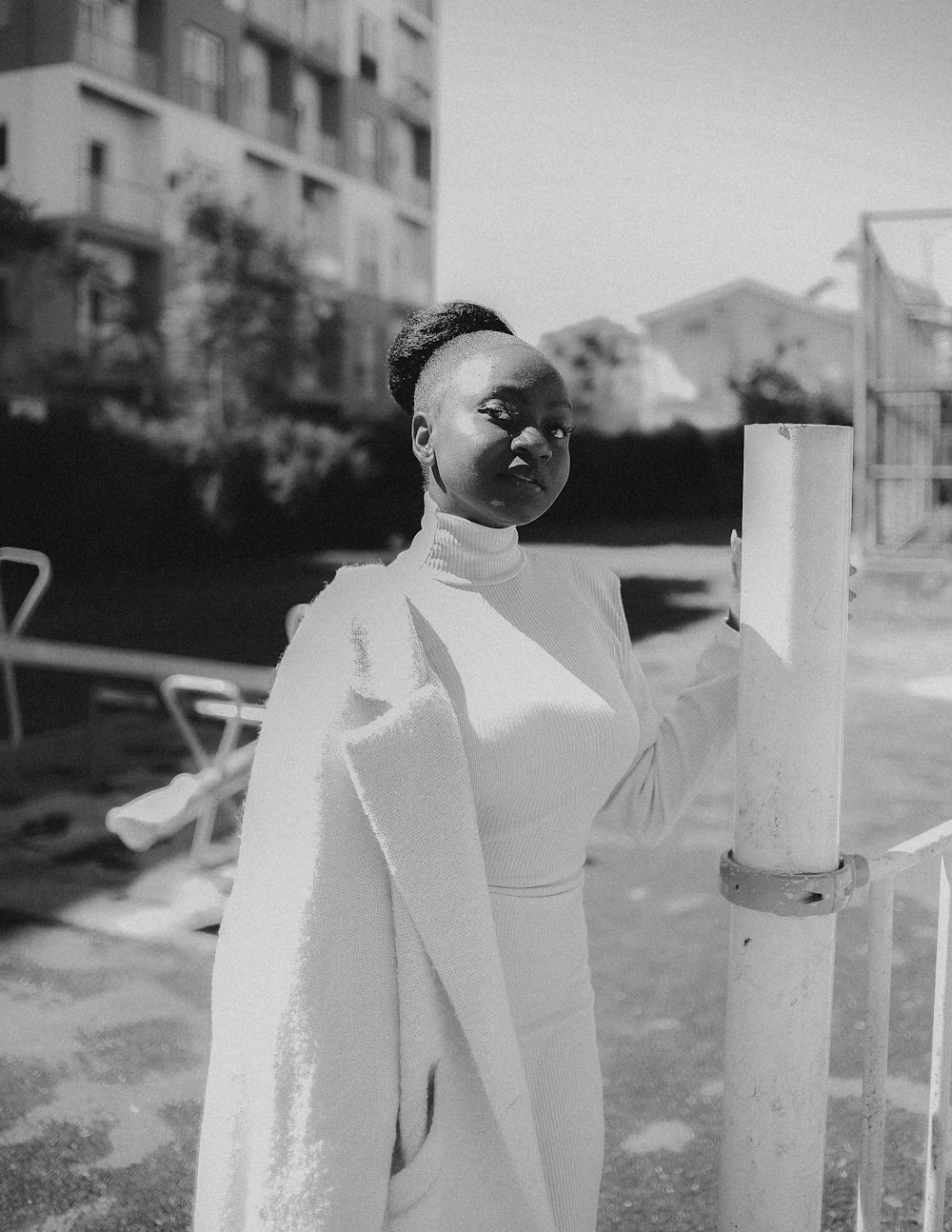
Default as Your Baseline
If you are unsure which model to use, start with Default. Its quality-to-cost ratio is the best on the platform. You can always re-generate a standout image at Premium or Ultra quality later -- the prompt stays the same.
Premium: The Quality Leap
Premium represents a genuine quality leap over Default. It is available for images from Creator Starter (for video from Creator Pro), and the credit cost is noticeably higher, but the results justify the investment for content that needs to impress. Premium unlocks superior fabric rendering, more nuanced skin textures, richer color depth, and improved compositional accuracy. When you look at a Premium output next to a Default output of the same prompt, you will notice sharper textile details, more realistic shadow behavior, and a more cohesive sense of "photographic intention" in the final image.
The jump from Default to Premium is most visible in three areas: (1) fabric micro-detail, where you can distinguish individual thread patterns in woven textiles and see the characteristic sheen of satin versus matte cotton; (2) skin and hair realism, where pores, fine hairs, and subtle color variations become visible; and (3) environmental coherence, where backgrounds, props, and lighting all work together with a more convincing sense of physical space.
Use Premium For:
- Editorial fashion spreads -- Magazine-quality imagery for digital publications.
- Brand campaign assets -- Marketing visuals that represent your brand at its best.
- E-commerce hero images -- The flagship product shot on your landing page or homepage.
- Client final presentations -- When you need to impress stakeholders with near-production quality.
- High-resolution social media posts -- Instagram Reels covers, LinkedIn banners, and feature posts.
- Portfolio pieces -- Show your best work to attract new clients and collaborators.
Premium-Optimized Prompt Example:

"A model in a bias-cut midnight blue silk charmeuse evening gown,
the liquid fabric catching light along every fold and movement,
delicate light reflections creating a shimmering effect across
the bodice, a thin satin ribbon belt cinching the waist, the
skirt pooling slightly on a polished marble floor, standing in
a grand minimalist gallery with floor-to-ceiling windows, soft
directional golden-hour light from the right creating warm
shadows that reveal the fabric texture, shallow depth of field
with creamy bokeh, Hasselblad X2D, 110mm f/2.5, editorial
haute couture photography, muted warm palette with sapphire
accent, ultra-fine grain"

--- Why this works for Premium ---
- The "fabric trinity" is fully described: material (silk charmeuse),
  movement (liquid drape, catching light), and behavior (pooling)
- Lighting is precisely directed with emotional quality (golden-hour, warm)
- Camera and lens reference anchors the photographic style
- Color palette guidance ensures tonal cohesion
- Premium can render every one of these nuances accurately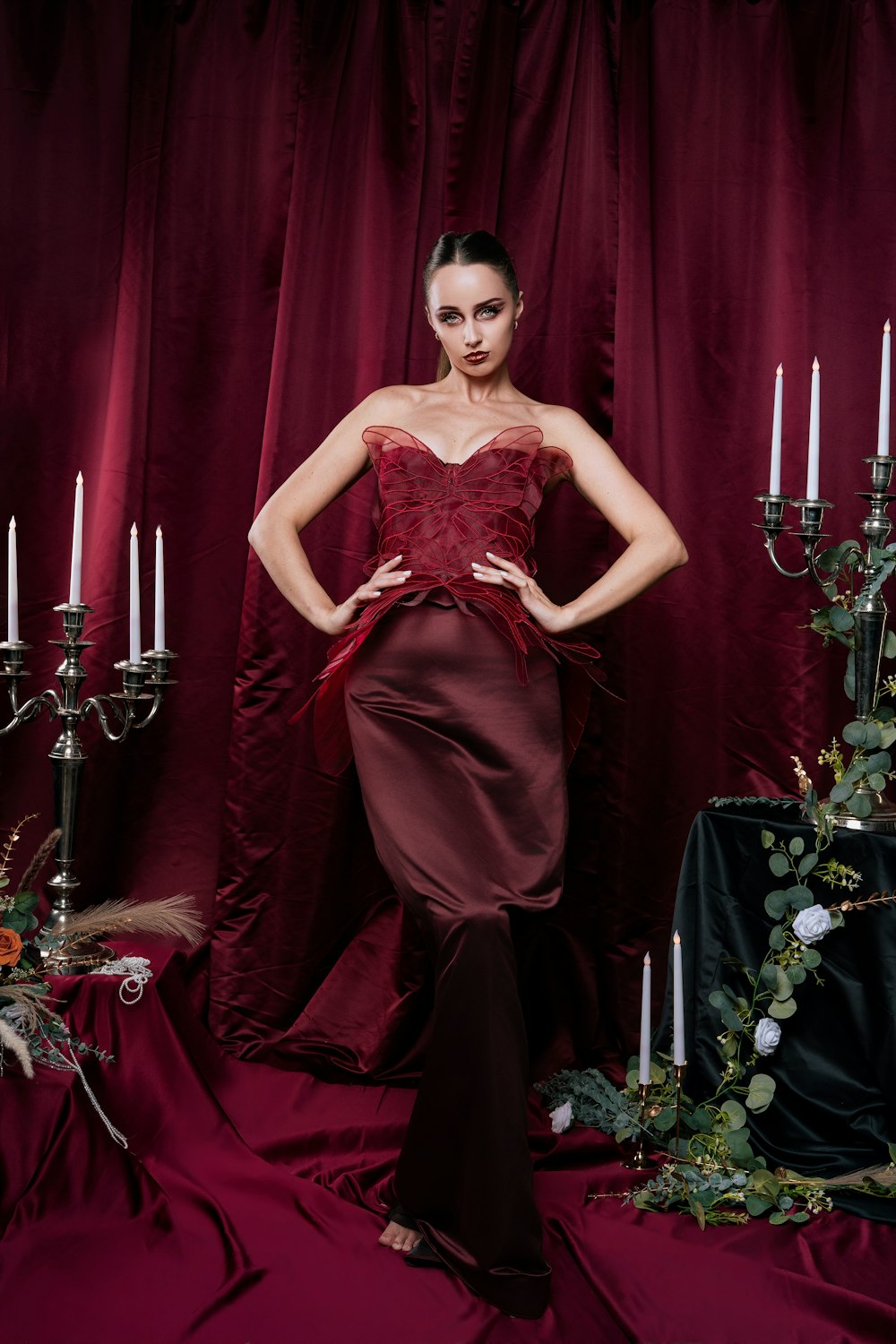
The Fabric Trinity
When writing prompts for Premium (and Ultra), always describe fabric using three properties: (1) the material name (silk charmeuse, raw denim, brushed cashmere), (2) how it moves or drapes (liquid, stiff, flowing), and (3) how it interacts with light (shimmering, matte, light-absorbing). This three-part description gives Premium the full context it needs to render textiles with remarkable accuracy.
Ultra: The Pinnacle of Fashion AI
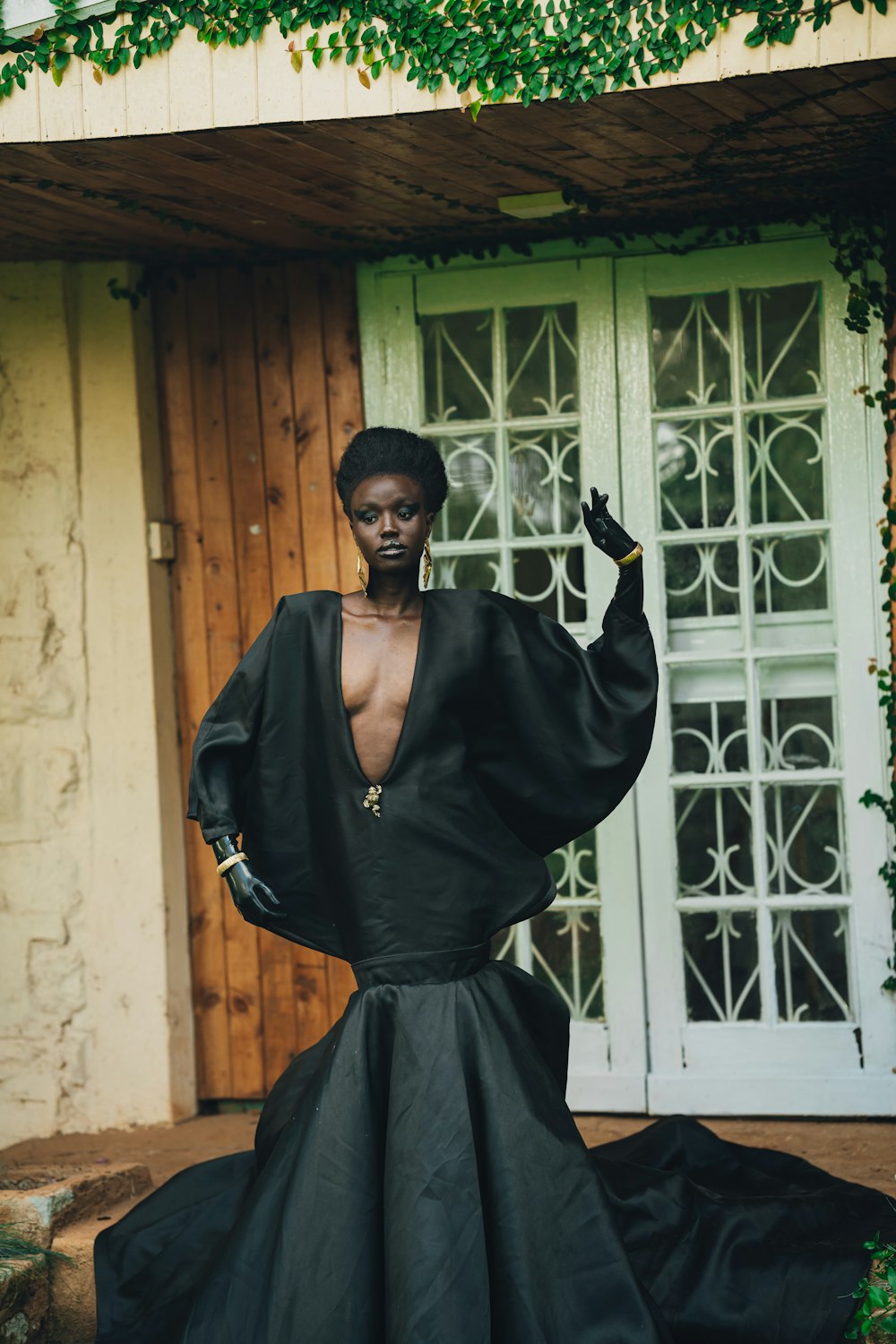
Ultra is the flagship model tier on Fittins AI, available from Creator Business. It is the highest-fidelity tier the platform offers. The credit cost is the highest on the platform, and the outputs aim for cinema-grade lighting, photorealistic skin with pore-level detail, thread-accurate fabric rendering, and physically correct reflections, shadows, and depth of field.
What makes Ultra truly special is not just higher resolution or sharper pixels. It is the model's understanding of physical correctness. Fabrics hang the way real fabrics hang. Light wraps around forms the way real light does. Shadows have the correct softness for the light source distance. Reflections on satin match the angle of incidence. This physical coherence is what separates Ultra outputs from "good AI art" and puts them into the territory of professional studio photography that happens to have been generated by artificial intelligence.
Reserve Ultra For:
- Print advertising -- Magazine spreads, billboards, and posters that will be viewed at close range and enormous sizes.
- Flagship brand campaigns -- The single hero image that defines a seasonal collection or product launch.
- High-end portfolio showcases -- When your work needs to stand among professional photographer portfolios.
- Award submissions and competitions -- Where pixel-level quality is scrutinized by judges.
- Large-format retail displays -- In-store signage, window displays, and trade show banners.
- Client final deliverables -- The absolute best version of your creative vision, ready for commercial use.
Ultra-Optimized Prompt Example:

"A model in a hand-draped ivory duchess satin wedding gown with
a structured corset bodice featuring hand-sewn crystal beading
along the neckline, the heavy satin skirt cascading in
architectural folds to the floor with a cathedral train, each
fold catching and releasing light differently based on fabric
tension, standing in a Renaissance palazzo with weathered stone
columns and filtered afternoon light streaming through tall
arched windows, volumetric dust particles visible in the light
shafts, three-point lighting: key light (large silk parabolic
reflector) at 30 degrees camera-right creating soft directional
warmth, fill light bounced from a gold reflector camera-left at
half-power, hair light from 60 degrees above-behind creating a
luminous rim on the veil, natural skin with visible pore texture
and subsurface scattering, Phase One IQ4 150MP back, Schneider
120mm LS f/2.4, shot at f/3.2 for subject isolation with
medium-format bokeh, color-graded with warm highlight rolloff
and lifted shadows, fine art bridal editorial for Vogue"

--- Why this works for Ultra ---
- Extreme fabric specificity: material, weight, structure, light interaction
- Individual fold behavior described (catching/releasing light based on tension)
- Named studio lighting setup with modifiers and positions
- Subsurface scattering and pore-level skin detail requested
- Medium-format digital back reference maximizes photographic realism
- Environmental details (dust particles, weathered stone) add atmosphere
- Ultra can render ALL of this. Do not hold back.
Ultra Prompting Philosophy
With Ultra, your prompt should read like a professional photographer's shot notes combined with a textile engineer's fabric specification. Name the camera body and lens. Describe the lighting rig with modifier types and positions. Specify how each fabric behaves under the described lighting. Ultra processes all of this information and translates it into physically coherent output.
Ultra does not just generate images. It simulates reality. The difference between Premium and Ultra is the difference between a beautiful painting and a window into another world.
— Fittins AI Team
The Professional Multi-Tier Workflow
The most successful fashion creators on Fittins AI do not start every project at Ultra. They use a disciplined multi-tier workflow that maximizes creative output while minimizing credit spend. This approach, borrowed from professional photography (where photographers shoot test Polaroids before committing to film), keeps most of your spending on cheap exploration while improving the quality of your final outputs.
Explore with Turbo (10-20 generations)
Start every project with Turbo. Generate 10-20 variations exploring different outfits, poses, compositions, and color palettes. Spend freely here because Turbo is cheap. Your goal is not quality; it is finding the creative direction. Review all outputs and identify the 2-3 strongest directions.
Refine with Default (5-8 generations)
Take your winning Turbo prompts and re-generate them at Default quality. Now you are testing whether the concept holds up at higher fidelity. Tweak the prompts based on what you see: adjust fabric descriptions, refine lighting direction, modify the background. Default shows you the "real" version of your concept.
Polish with Premium (2-3 generations)
Promote only the best Default outputs to Premium. By now your prompt is battle-tested and refined. Premium will reveal the concept at near-production quality. Make final prompt adjustments here -- this is your last chance to change creative direction cheaply.
Finalize with Ultra (1 generation)
Take your single best Premium prompt -- the one that is perfect in every way except ultimate resolution and detail -- and run it through Ultra exactly once. This is your final, production-ready output. Because you refined the prompt through three tiers, your Ultra generation will be dramatically better than if you had guessed at Ultra from the start.
Credit Math
Example: Instead of running 10 Ultra generations trying to nail the perfect shot, run 20 Turbo + 5 Default + 2 Premium + 1 Ultra. Turbo and Default cost far fewer credits than Ultra, so you explore many more ideas for a similar budget, and the final Ultra output is better because the prompt was refined through three rounds of iteration.
Model Selection by Use Case
Different fashion content types have different quality ceilings. Here is a practical guide to matching your content type with the optimal model tier. These recommendations balance quality needs with budget efficiency.
E-Commerce:
- Product listing images → Default (clean, professional, cost-effective at volume)
- Homepage hero image → Premium or Ultra (first impression, high visibility)
- Category page thumbnails → Turbo or Default (small display size, volume matters)
- Zoom-in detail shots → Premium (fabric detail visible at close inspection)
Social Media:
- Instagram Stories → Turbo (24-hour lifespan, viewed on mobile at reduced resolution)
- Instagram Feed posts → Default (permanent, viewed at 1080px, quality matters)
- Pinterest pins → Default or Premium (long shelf life, drives traffic)
- LinkedIn professional content → Default (clean and polished is sufficient)
- TikTok cover images → Turbo (small, fast-scrolled, impact matters more than detail)
Marketing & Brand:
- Seasonal campaign hero → Ultra (defines the brand moment, maximum investment)
- Email newsletter header → Turbo or Default (small display, fast loading preferred)
- Press kit images → Premium or Ultra (media will inspect closely)
- Digital ad creatives → Default for testing, Premium for final deployment
- Pitch deck visuals → Default or Premium (depends on audience and stakes)
Prompting Strategies by Model Tier
Each model tier responds differently to prompt complexity. Writing the same 200-word prompt for Turbo and Ultra is inefficient -- Turbo cannot use most of that detail, and Ultra performs worse with vague prompts. Here is how to calibrate your prompting strategy to each tier.
Turbo Prompting Rules:
- Keep prompts under 50 words.
- Focus on subject + outfit + one strong style modifier.
- Skip fabric physics, lighting rigs, and camera specs.
- Use broad style terms: "editorial", "street style", "haute couture".
- Accept that backgrounds will be simplified.
Default Prompting Rules:
- Prompts can run 50-100 words comfortably.
- Add fabric type and one lighting direction.
- Include a camera reference for photographic realism.
- Describe the background with moderate detail.
- Color palette guidance improves tonal consistency.
Premium Prompting Rules:
- Prompts should be 100-150 words for best results.
- Use the "fabric trinity": material + drape + light interaction.
- Specify lighting setup with at least key and fill direction.
- Name camera body and lens for photographic authenticity.
- Describe environmental details that enhance the mood.
- Include skin and hair texture cues for realism.
Ultra Prompting Rules:
- Go all in: up to about 200 words with maximum specificity (prompts can be up to 1,500 characters).
- Describe fabric at the thread level: weave pattern, weight, hand-feel.
- Specify a complete lighting rig: key, fill, rim, and modifiers.
- Include atmospheric details: dust, haze, volumetric light.
- Reference specific camera systems and shooting parameters.
- Describe color grading: highlight rolloff, shadow lift, tonal mapping.
- Request physical accuracy: subsurface scattering, depth of field.
The Prompt Escalation Technique
Start with a 40-word Turbo prompt. When promoting to Default, add 30 words of fabric and lighting detail. For Premium, add another 40 words of camera specs and environment. For Ultra, add the final 50 words of atmospheric and physical accuracy cues. Each tier builds on the last, so your Ultra prompt is your most refined and detailed.
Advanced Techniques for Maximum Impact
Funnel Strategy for Large Content Needs
For large content needs (seasonal catalogs, social media calendars, ad campaigns), use a funnel. Generations run one by one (several can run at the same time), so start your initial concept library at Turbo, curate the best 20-30%, re-generate those at Default, and promote the top 5-10% to Premium. This funnel approach produces a large volume of quality content without burning through your credit allocation.
A/B Testing with Turbo
Use Turbo to A/B test creative variables cheaply. Want to know whether a red dress or a blue dress performs better for your audience? Generate both at Turbo, run them as ad variants, and then invest Premium or Ultra credits only in the proven winner. Data-driven creative decisions save credits and improve campaign ROI.
The Ultra + 4K Combo
For the highest quality output, generate your image at Ultra with 4K or 8K quality selected (Ultra is available from Creator Business; 2K, 4K and 8K quality from Creator Starter). Resolution is chosen when you generate; there is no separate step to upscale an image afterwards. This combination gives you the most detail the platform offers at poster-size resolution.
Smart Credit Management
Understanding the credit economics of each model tier is essential for professional use. Here is a framework for budgeting your credits across tiers based on your monthly content needs.
Monthly Budget Allocation (Recommended):
- 40% of credits → Turbo: Brainstorming, testing, ephemeral content.
- 35% of credits → Default: Everyday social media and web content.
- 18% of credits → Premium: Editorial, campaigns, and hero images.
- 7% of credits → Ultra: Flagship final outputs and print advertising.
This allocation ensures you always have budget for experimentation (Turbo), a steady stream of professional content (Default), impressive hero assets (Premium), and a handful of show-stopping masterpieces (Ultra) each month. Adjust the ratios based on your specific workflow, but the principle remains: spend the most credits where volume matters and reserve the most expensive tier for proven concepts.
Credit Upgrade Tip
If you regularly run low on credits for Premium or Ultra generations, consider upgrading your subscription plan. Higher plans include more monthly credits (from 500 on Creator Kickstart up to 20,000 on Creator Enterprise) at a generally better credit-per-dollar value, and Ultra is available from Creator Business.
Putting It All Together
Mastering Turbo, Default, Premium, and Ultra is not just about knowing which button to press. It is about developing a professional creative workflow that matches the right tool to the right task. The best fashion creators on Fittins AI are not the ones who use Ultra for everything -- they are the ones who use Turbo fearlessly for exploration, Default confidently for production, Premium strategically for impact, and Ultra surgically for perfection.
Start your next project with Turbo. Explore widely. Refine through Default. Polish with Premium. And when you have found the perfect vision, commit it to Ultra with the confidence that comes from a thoroughly tested prompt. That is the workflow that separates amateur AI users from professional AI fashion creators.
The models are your instruments. Turbo is the sketch pencil. Default is the drafting pen. Premium is the brush. And Ultra is the master printer. A great artist knows when to use each one.
— Fittins AI Team
Continue reading

