

Creating Custom Locations: Build Your Brand's Signature Backdrop Library
Learn how to use the custom locations feature to create, save, and reuse signature backdrops that turn every shoot into a recognisable piece of your brand world.

Made with Fittins AI · View this image
Why Custom Locations Change Everything
It is easy to focus all your attention on the model and the garment — and forget that the scene is doing roughly half the storytelling work in every image. A generic backdrop produces forgettable content. A specific, branded location turns the same shot into something recognisable, repeatable, and unmistakably yours.
The custom locations feature lets you generate any scene you can describe, save it once, and reuse it forever. That single workflow change is one of the highest-leverage upgrades you can make to your content output.
What Custom Locations Are
A custom location is a fully generated AI scene — interior, exterior, architectural, natural — that you save to your personal library. Once saved, you can apply it to any future image or video generation, exactly the way you'd apply a custom model. Same scene, every time, no re-prompting.
When You Should Be Using This Feature
Custom locations are not for every shoot. For one-off experimental work, the built-in scene options are faster. But the moment you start producing content at any cadence — weekly drops, seasonal campaigns, ongoing social — custom locations stop being optional.
Reach for Custom Locations When You Are...
- Building a brand identity that needs visual recognition over time
- Producing multi-image campaigns that should feel like one shoot
- Running a content cadence where consistency matters more than novelty
- Working with a small set of brand worlds you want to deepen, not expand
- Pairing recurring custom models with familiar settings to anchor a cast
Think in Sets, Not Shots
A great custom location is the equivalent of building a real photography set — expensive to make once, cheap to use forever. Pour care into the first generation. The investment pays off across hundreds of future shoots that all look like they belong to the same brand.
Step-by-Step: Creating Your First Custom Location
Open the Locations Section
From the main navigation, open the Locations page. You will see the built-in location library and an option to generate a new custom location. Click the create option to open the generation panel.
Write a Layered Location Prompt
Describe what the place is, when you are there, what the light is doing, and what the camera feels like. The more layered the prompt, the more specific the result. Avoid one-liners like "a beach" — try "a quiet stretch of grey-pebbled coastline at the very end of golden hour, low warm sun from camera right, mist rising off the water, shot on a 35mm lens."
Generate a Wide First Pass
Produce several variations of your location concept. Vary the angle, the time of day, and the level of intimacy versus grandeur. You are casting a location the same way you would cast a model — looking for the one that feels undeniable, not the first one that loads.
Save the Winner to Your Library
Once you have your one, save it with a memorable name — something that describes the feeling of the place, not just what it depicts. "Quiet North Coast" beats "Beach 03" because future you will know exactly when to reach for it.
Apply It in Any Generation
On any future image or video shoot, select your saved location instead of writing a fresh scene prompt. The same backdrop will appear in every generation you assign it to — building visual continuity across an entire body of work.
Writing Location Prompts That Actually Work
A location prompt fails for the same reason most fashion prompts fail — it names a place but does not describe it. The fix is to layer four distinct ideas into every location prompt you write.
The Four Layers Every Location Prompt Needs
- What it is — the specific kind of place (whitewashed Mediterranean villa, brutalist concrete gallery, narrow Tokyo alley with neon signage)
- When you are there — time of day and season (late golden hour in summer, blue hour in autumn, midday in winter)
- What the light is doing — direction, quality, colour temperature (warm low side light from camera right, cool overcast diffused, harsh top sun)
- What the camera feels like — lens, height, framing intent (low 35mm wide, eye-level 85mm portrait, overhead 50mm)
The Vague-Place Trap
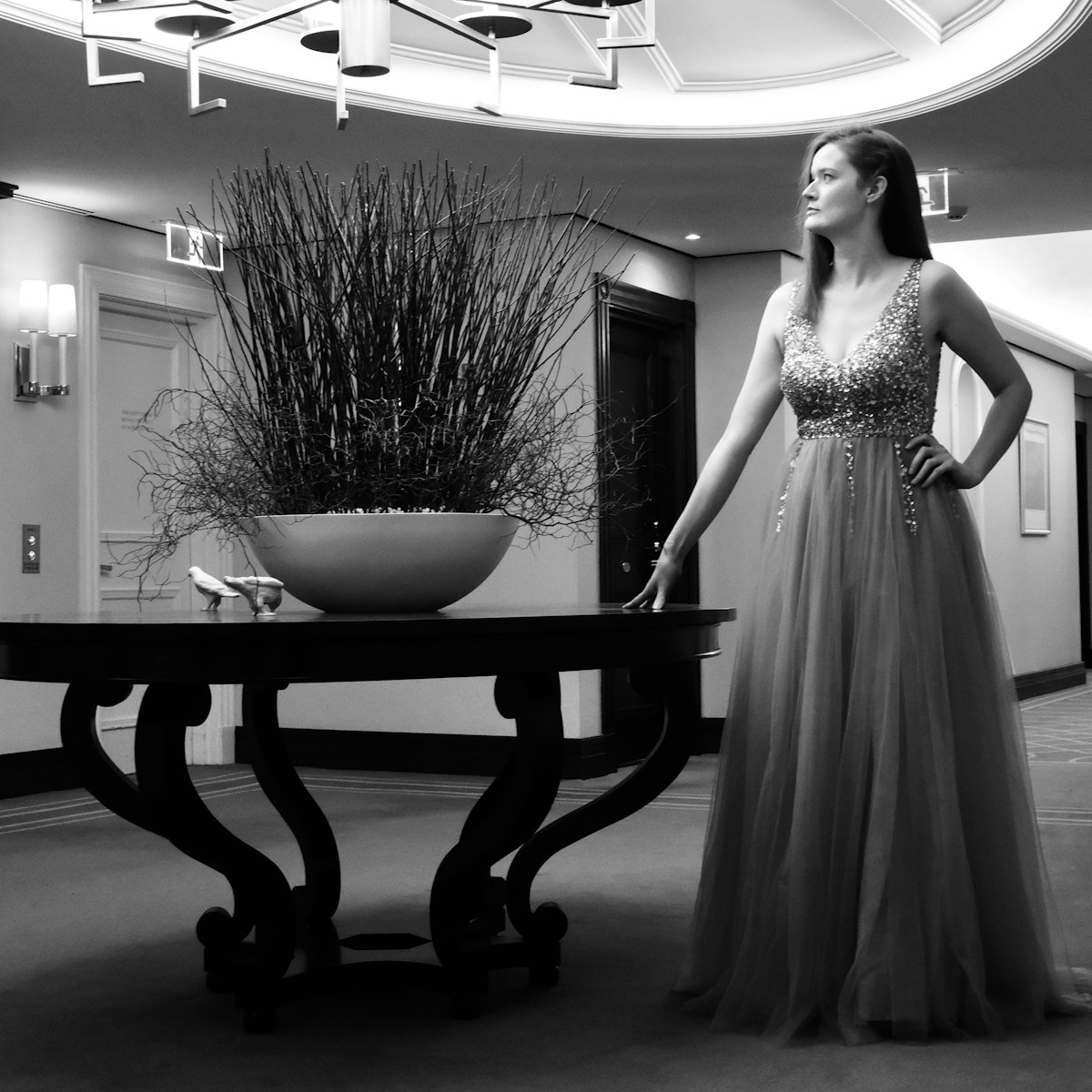
If your prompt could describe a hundred different places, your output will look like a hundred different stock photos. Specificity is the entire game. Trade "a luxury hotel" for "the quiet end of a marble corridor in a 1920s Mediterranean hotel, late afternoon, soft window light from the right."
Lock the Light With the Place
When you save a custom location, you are also saving its light. The same building at noon and at dusk feels like two different worlds. Pick the light condition that does the most emotional work for your brand and lock it in. That light becomes part of the location's identity.
Building a Cohesive Library
Resist the urge to save dozens of locations. The strongest brand worlds are built on a small, focused set of three to seven signature places — not a sprawling collection of forty. The repetition is what builds recognition. By the fifth time your audience sees a particular sun-soaked terrace or that specific marble corridor, the location belongs to your brand.
The Three-to-Seven Rule
Three locations is the minimum to support varied content. Seven is the maximum before recognition starts to dilute. Anything in that range is workable. Anything outside it usually signals an indecision problem, not a creative one.
Pairing Locations With Custom Models
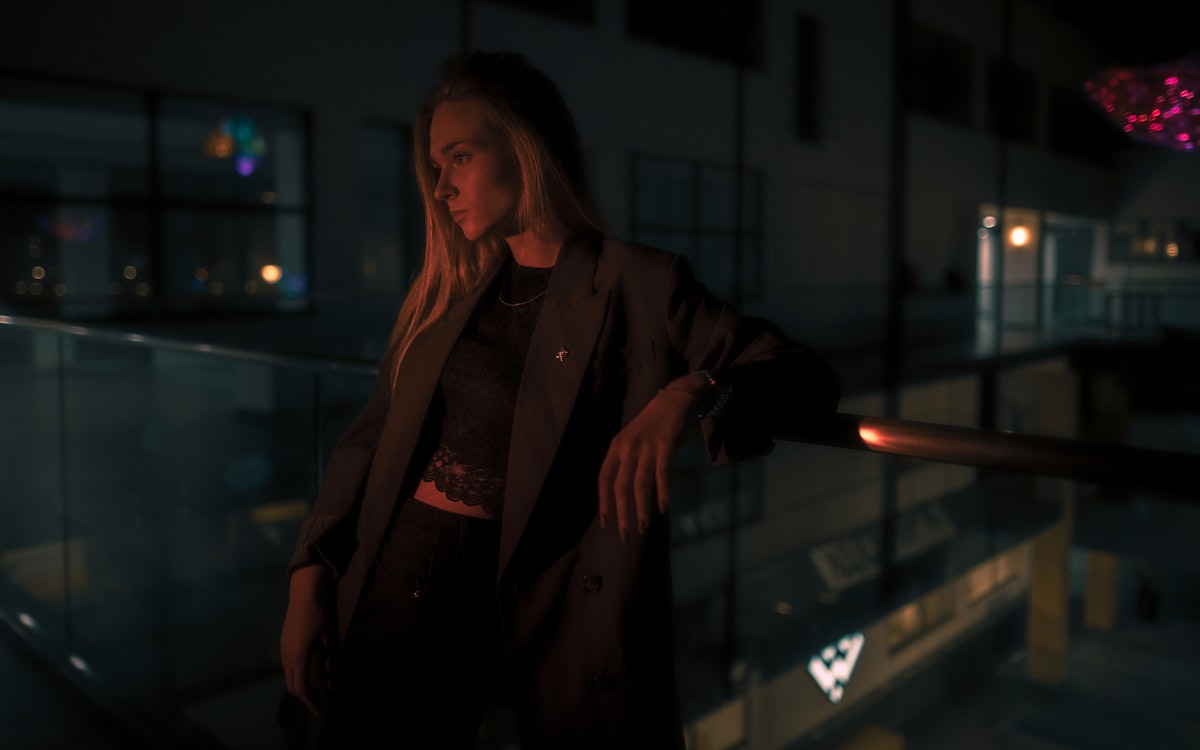
The full power of the custom locations feature shows up when you combine it with custom models. A locked muse in a locked location is the closest thing AI gives you to a real, repeating fashion shoot — same face, same place, same light, week after week. That kind of continuity is what fashion houses invest heavily to build with traditional production. Now it lives inside your library.
Mix and Match Intentionally
Not every muse belongs in every location. A serene model in a chaotic location, or a high-energy character in a quiet room, often produces more interesting content than the obvious match. Use your library like a casting board.
A custom location turns AI generation from a search into a return — to the same place, with the same light, ready for the next shot.
— Fittins AI Team
Open Your Locations Page Now
Spend twenty minutes generating your first one or two signature locations. Use them in every shoot for the next two weeks. The brand-cohesion shift in your content will be immediate.
Continue reading


