

Mastering Aspect Ratios: One Concept, Six Formats, Zero Compromise
Most creators default to one aspect ratio and quietly sabotage half their channels. This tutorial walks through the seven formats Fittins AI supports, when each one wins, and how to plan ratios *before* you generate — not after.

Made with Fittins AI · View this image
The Aspect Ratio Question Most Creators Never Ask
Open most AI fashion feeds and you will see a strange pattern: every image is the same shape. Square. Or vertical. Or sometimes horizontal. Whichever ratio the creator picked first, they kept picking forever. The result is content that looks great on one channel and quietly fails on every other one.
Fittins AI gives you seven aspect ratios at the point of generation. The discipline is to choose the ratio for the channel — not to crop a generic square into something that does not fit. Done well, you can ship a single concept across Instagram, TikTok, your website, your e-commerce listings, your email, and print without ever compromising composition.
The Seven Ratios at Your Disposal
Fittins AI supports 1:1 (square), 9:16 (vertical), 16:9 (wide), 3:4 (portrait), 4:3 (landscape), 3:2 (classic 35mm), and 2:3 (vertical 35mm) for images; video comes in 1:1, 16:9 and 9:16. Each one has its own composition logic. Each one belongs on different surfaces. Generating at the right one from the start saves more time and quality than any other single workflow choice.
Why Aspect Ratio Is a Creative Decision, Not a Technical One
Most creators treat aspect ratio as a final-stage technical choice — something to handle after the image is generated. That is the wrong mental model. The aspect ratio shapes everything: where the model sits in the frame, how much breathing room you have, what the eye reads first, where the negative space lives. A composition that works in 16:9 will almost never work in 9:16 without rebuilding it from scratch.
The upgrade is to think of ratio as the first decision in any shoot — not the last. Pick the ratio. Then build the composition for that ratio. Then write the prompt that produces it.
The Six Channels and What Each One Wants
Instagram Feed → 1:1 or 3:4
The Instagram feed rewards either clean square (1:1) or tall portrait. Fittins AI does not offer 4:5, so use 3:4 for portrait: it takes up more vertical real estate on the feed and stops the scroll harder. Most editorial-style brands lean portrait; minimalist and product-led brands often default to square. Pick one and commit across the grid for visual consistency.
Reels, TikTok, Stories → 9:16
Vertical 9:16 is the only ratio that wins on short-form video platforms. Anything else gets letterboxed and visually punished by the algorithm. Generate native 9:16 from the first frame — never crop a horizontal video to vertical. The composition rules are completely different, and cropping always loses.
Website Hero, YouTube, Banners → 16:9
Wide horizontal 16:9 is the language of the web — page heroes, video players, ad units. Generate at native 16:9 for anything that will live in this format. Composition leans on negative space to either side of the subject, often with the model placed in one third of the frame to leave room for overlay text.
E-commerce Product Pages → 3:4
Portrait 3:4 is the working ratio of e-commerce. It shows the full silhouette without wasting vertical space, fits naturally into product gallery grids, and matches what most shoppers expect. For your product detail pages, this is the default — and the closer your shots match the platform standard, the more they feel native.
Email and Newsletters → 4:3 or 16:9
Email clients render landscape better than portrait — long vertical images get clipped by preview panes. For email hero blocks, generate 16:9 (for cinematic feel) or 4:3 (for a more contained, classic look). Avoid 9:16 in email entirely; it almost always renders awkwardly.
Print, Lookbook, Editorial → 3:2 or 2:3
Classic 35mm proportions (3:2 horizontal, 2:3 vertical) are the language of editorial print. They feel cinematic and editorial in a way square or 16:9 do not. Use these for printed lookbooks, magazine layouts, and any deliverable that wants to read as photographic rather than digital-native.
Generate at Destination Ratio From the First Frame
The single most important rule in this tutorial: never generate horizontal and crop to vertical (or any other re-shape). The AI uses the entire frame as creative real estate. Cropping later loses composition, focus, and detail. Pick the ratio for the channel and generate at that ratio from frame one.
The Pre-Shoot Aspect Plan
Before generating a single image, decide which ratios this concept needs to ship in. A typical product launch wants 1:1 for the Instagram feed, 9:16 for Reels, 16:9 for the website hero, and 3:4 for the e-commerce listing. That is four distinct compositions — not one image cropped four ways. Plan the four shots into your generation budget from the start.
Five Questions to Answer Before You Generate
- Which channels does this content need to ship to?
- What is the destination aspect ratio for each one?
- Which version is the hero — the one that gets the most production attention?
- Which versions can be lighter variants — same concept, adapted composition?
- Is there a shot that lives natively across multiple ratios, or do I need fully separate generations?
The "Crop Later" Trap
The temptation to generate one big image and crop variants out of it is almost always a mistake. Cropping shrinks resolution, breaks composition, and produces output that feels secondary on every channel. Generating four times at four ratios costs more credits but produces content that actually performs.
Composition Rules That Change With Ratio
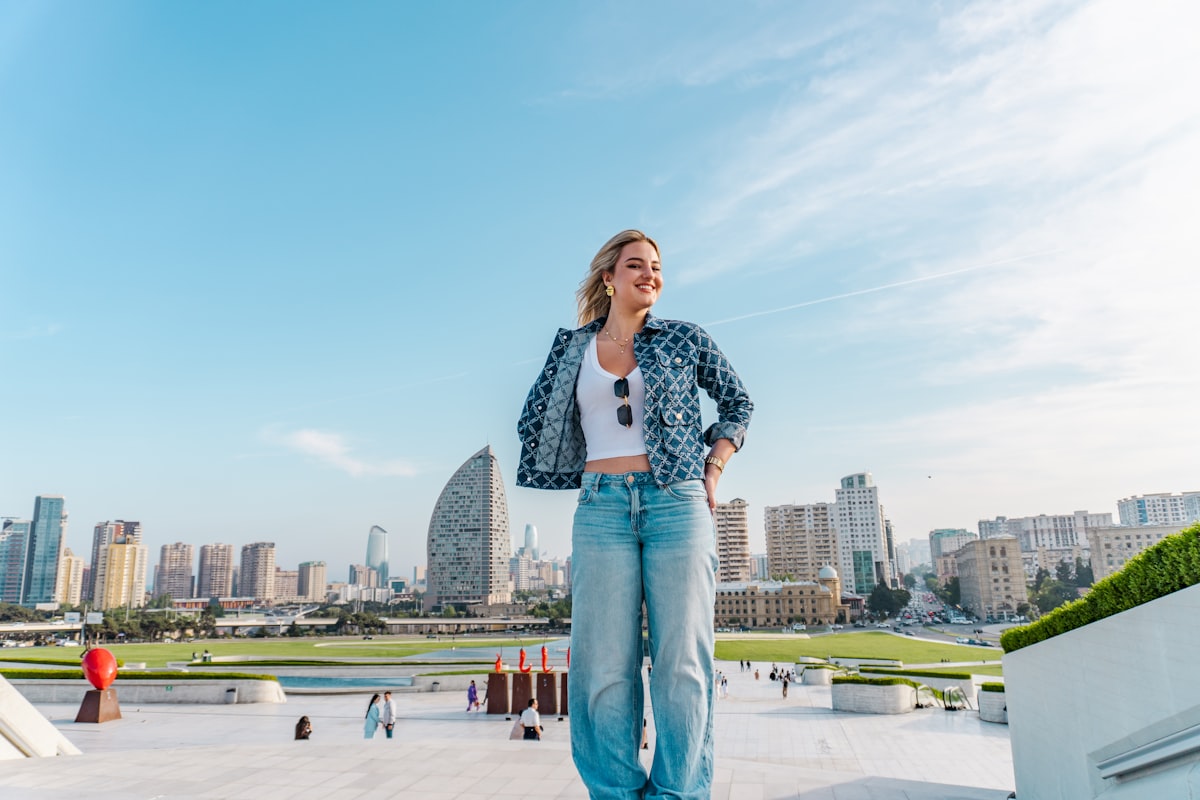
A composition that lands in vertical falls flat in landscape, and vice versa. The rules of where to place the subject, how much negative space to leave, and what to crop in or out shift completely with each ratio.
Composition Cheat Sheet by Ratio
- 1:1 square — symmetric, centered, tight. Subject usually fills the frame. No room for empty space.
- 9:16 vertical — full body or bust-up. Head in the upper third. Account for caption overlay in the bottom 25%.
- 16:9 wide — subject often off-center, generous negative space, room for overlay text. Cinematic.
- 3:4 portrait — full silhouette in portrait orientation, natural for e-commerce product display.
- 4:3 landscape — slightly tighter horizontal than 16:9; better for two-subject or product-plus-context shots.
- 3:2 / 2:3 editorial — 35mm proportions; reads as photographic. Lean into off-center placement and air around the subject.
From One Concept to All Six Formats
When a single concept needs to live across multiple ratios, the workflow that works is to lock the creative direction once — same muse, same location, same lighting, same garment styling — and then run focused generation passes per ratio. Each pass builds the composition appropriate to its frame, but the brand-cohesion elements stay constant across all of them.
The Master + Variants Approach
Generate your "master" composition first in the most demanding ratio (usually 16:9 for editorial work or 9:16 for social-first brands). Use it as the visual reference for all other ratio variants. The variants do not copy the master — they reinterpret it for their format, with the same DNA.
A square is not a cropped landscape, and a vertical is not a cropped square. Each ratio is its own composition language. Treat them that way and your content stops looking like it was made for one channel and pasted onto five.
— Fittins AI Team
Plan Your Next Shoot Across Ratios
On your next campaign, list the channels first and the ratios second before you write a single prompt. Generate native at each ratio. The lift in feed-fit, ad performance, and on-channel engagement is one of those quiet workflow upgrades you feel within a week.
Continue reading


