

The Fabric Whisperer: How to Make AI Render Silk, Denim, and Leather Like a Master Tailor
Material rendering is the single biggest tell that separates amateur AI fashion content from work that genuinely looks like clothing. Here is the prompt grammar that turns plastic-looking output into garments you can almost feel.

Made with Fittins AI · View this image
Show a piece of AI fashion content to a tailor and they will tell you within two seconds whether it works. They will not look at the model, the lighting, or the location. They will look at the fabric — and that one detail will tell them everything about the craft of whoever generated the image.
Material rendering is the highest-leverage skill in AI fashion content. A perfect composition with bad fabric reads as plastic. A modest composition with convincing material behaviour reads as a real garment. The good news: getting fabric right is mostly a matter of prompt grammar — and once you learn the grammar, every output you generate gets quietly better.
The Highest-Leverage Detail
In every fashion image you generate, the fabric is doing more storytelling work than the cut, the colour, or the styling combined. Get it right and the rest of the image works. Get it wrong and nothing else can save it.
Why "Silk Dress" Isn't Enough
The most common mistake in AI fashion prompts is treating fabric as a noun. Silk dress. Leather jacket. Knit sweater. Each of those phrases tells the AI roughly nothing — because every fabric has dozens of possible weights, finishes, drapes, and behaviours, and the noun alone collapses all of them into a guess.
The upgrade is to think of fabric as a verb — something that does things in the frame. Silk moves a certain way. Leather catches light a certain way. Denim stiffens or softens depending on its weight. The moment your prompt describes what the fabric is doing rather than what it is, the output stops looking generic and starts looking specific.
The Three Layers Every Material Prompt Needs
A great fabric prompt does three jobs at once: it names the composition of the material, describes its behaviour in the scene, and specifies how it interacts with the light. Skip any of those layers and you slide back into generic territory. Layer all three and you get output that looks designed.
The Three-Layer Rule
Composition (what it is) + Behaviour (what it does) + Light interaction (how it reads). Build every fabric prompt on those three pillars. If you can only fit two, drop composition — behaviour and light do most of the heavy lifting.
A Field Guide to Five Fashion Materials
Silk — Fluid, Reflective, Heavy
Silk is defined by its weight and its sheen. The thin stuff floats; the heavy stuff drapes. Always describe both. Try: "heavy silk charmeuse pooling at the floor with a liquid sheen, catching a soft highlight along the collarbone." The words "pooling" and "liquid sheen" are doing the work — they tell the AI how silk behaves in light, not just what it is.
Denim — Structured, Faded, Specific
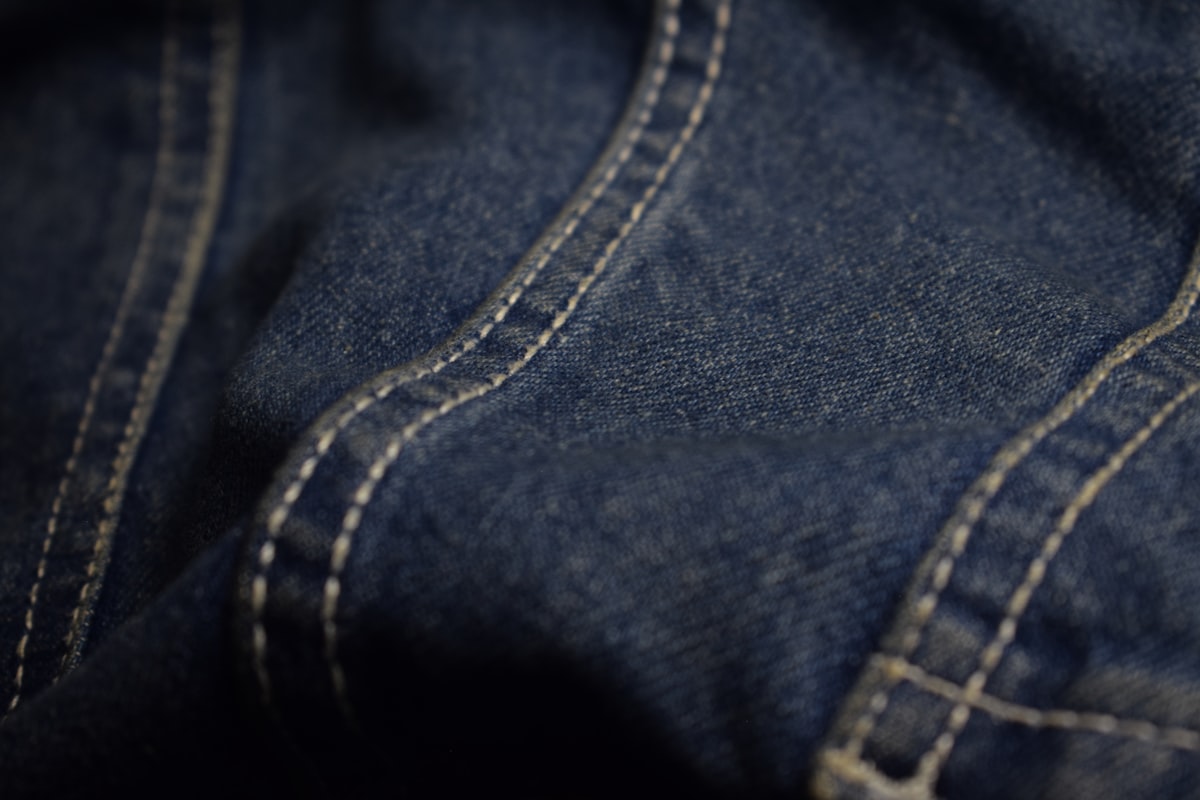
Generic "denim" is the curse of AI fashion. Denim has weight (light, mid, heavy ounce), wash (raw, stone-washed, acid, vintage), and structure (rigid, soft, broken-in). Try: "broken-in mid-weight indigo denim with soft fade lines at the knees and visible white stitching along the outseam." That one sentence locks down ten generation variables.
Leather — Surface Above All Else
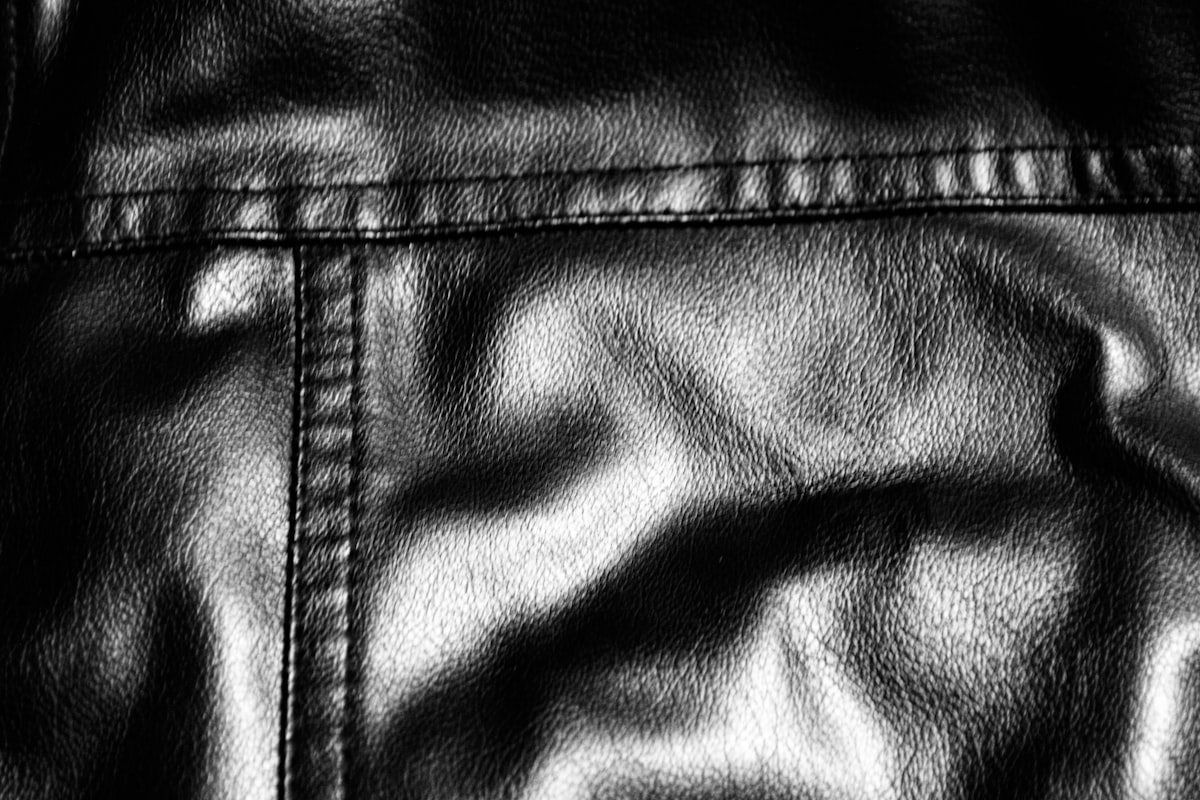
Leather lives or dies on surface description. Smooth and polished reads as luxury. Soft and pebbled reads as everyday. Cracked and worn reads as character. Try: "supple lambskin leather with a matte finish, soft slouch through the body, faint creasing at the elbows from wear." Notice how every adjective describes a surface state, not just a category.
Knit and Wool — Texture as the Story
For knits, the gauge of the stitch is everything. Chunky cable knit is a different garment from fine merino. Say which. Try: "oversized chunky cable-knit wool sweater in undyed cream, visible texture across every stitch, soft drop at the shoulders." If you do not specify gauge, the AI splits the difference and you get a garment that looks like neither.
Tulle and Sheer — The Light Game
Sheer fabrics are light first, fabric second. They are defined by how light passes through them. Try: "layered ivory tulle skirt, light passing through the outer layers and catching the silhouette underneath, soft glow at the hem." Without describing the light pass-through, sheer fabrics tend to render as opaque costumes.
Light and Material: The Inseparable Pair
Material does not exist in isolation — it exists in light. The same silk dress reads completely differently in soft window light than in hard direct sun. The same leather jacket looks luxurious under controlled studio key light and looks plastic under flat overhead fluorescent. Every fabric prompt should pair material description with a clear lighting instruction. They are two halves of the same sentence.
❌ THIN (material alone):
"A model wearing a silk slip dress."

✅ FULL (material + behaviour + light):
"A model wearing a heavy silk charmeuse slip dress in
champagne, the fabric draping with weight along the
body, soft window light from camera left catching a
subtle vertical highlight down the centre of the dress.
Fine grain visible in the silk weave."Common Material Failures and How to Fix Them
The Five Most Common Fabric Failures
- Plastic silk — sheen reads as wet plastic instead of fabric. Fix: add "matte areas alongside highlights, soft grain visible in the weave".
- Painted-on denim — the pants look airbrushed instead of woven. Fix: specify "visible white stitching, soft fade lines, cotton weave grain at close range".
- Costume-shop leather — the jacket looks shiny and stiff like vinyl. Fix: swap "leather" for "supple lambskin" or "broken-in cowhide" and add "matte finish with subtle creasing".
- Generic-knit blur — knits render as smooth fabric with no visible stitch. Fix: always name the gauge ("chunky cable", "fine merino", "loose ribbed") and add "visible stitch texture".
- Opaque tulle — sheer fabrics render solid. Fix: explicitly describe "light passing through outer layers" and "the silhouette of the body visible beneath".
The "Plastic Skin" Tell
When fabric looks plastic, the model often does too — because the AI is treating both as smooth surfaces with the same generic shader. Fix the fabric description and the skin frequently improves on its own. The eye is reading the whole image as one material problem.
Fabric in Motion: The Video Question
Material rendering matters even more in video. A static image only has to look right in one frame; a video has to look right in every frame plus the transitions between them. The way fabric moves — the lag of heavy silk behind a turning body, the swing of a coat tail on a walk, the way denim folds at the knee — is where AI video either earns belief or loses it instantly.
The rule for video prompts: name not just the fabric, but the motion the fabric makes. "Heavy wool coat" becomes "heavy wool coat that swings behind her with a delayed lag on each step". That one phrase is the difference between a generated clip and a directed one.
The Detail-Pass Trick
Generate the wide shot first to lock the silhouette, then run a tight detail pass on the same garment to capture the close-up texture. Use both in your final composition — wide for the mood, detail for the proof of craft. This is exactly what fashion photographers do on real shoots.
You can fake almost anything in fashion content. You cannot fake fabric. The eye knows immediately when a garment behaves like cloth and when it behaves like a screen render. That single signal is the difference between content that sells and content that scrolls past.
— Fittins AI Editorial
Render the Real Thing
Fittins AI gives you the prompt control and quality tiers needed to generate fabric that holds up to a tailor's eye — across both stills and video. Stop generating costumes. Start generating clothes.
Continue reading


