

How to Turn One AI Shoot Into 20+ Multi-Channel Assets
The pros don’t make separate content for every platform — they build one strong shoot and multiply it. This tutorial gives you a repeatable workflow to turn a single AI fashion shoot into a full omni-channel asset library.

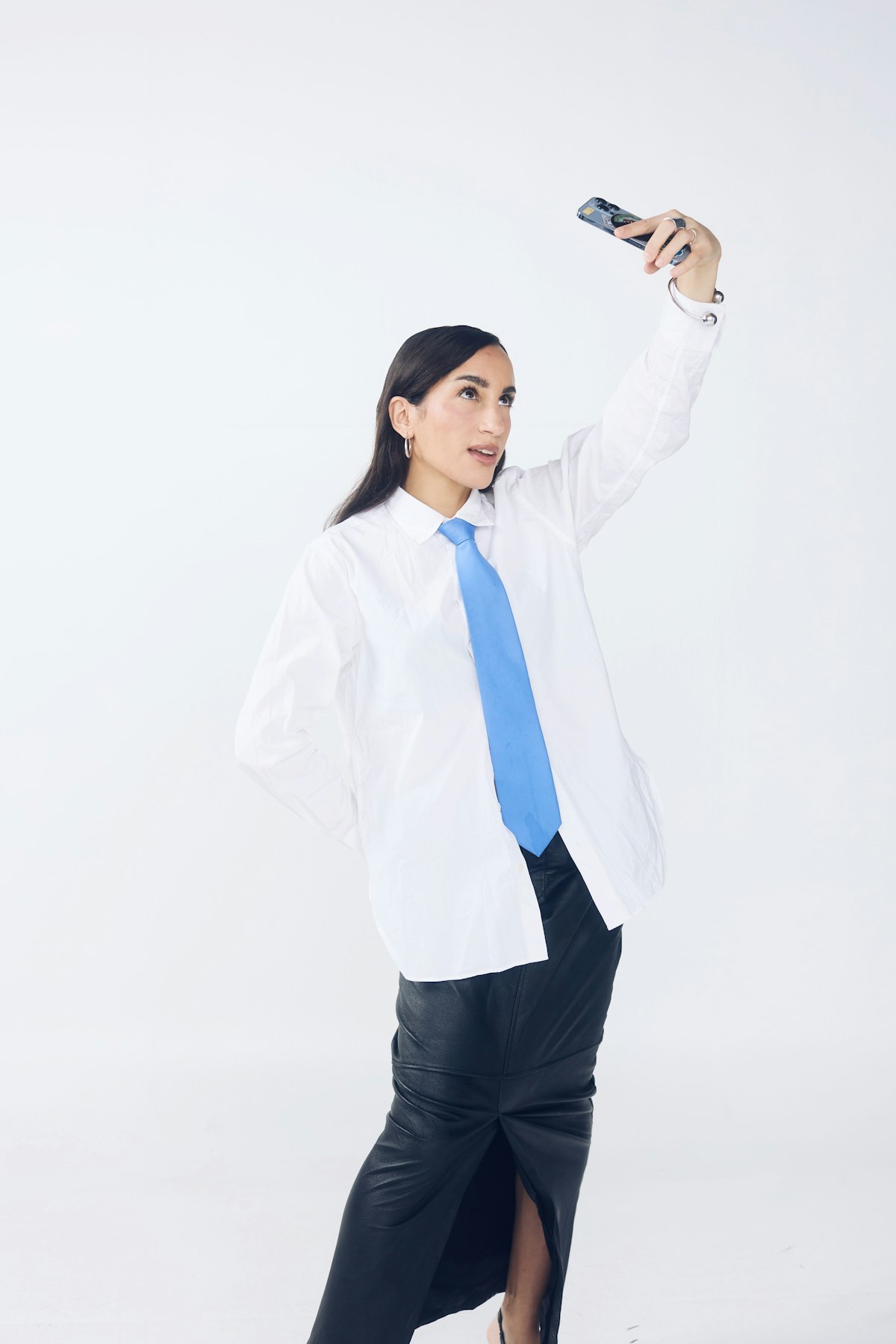
Made with Fittins AI · View this image
Here is the secret that separates brands who "post a lot" from brands who are everywhere: they are not making more content, they are multiplying what they already made. One well-planned shoot, sliced and reframed correctly, can feed weeks across every channel. This tutorial gives you the exact workflow to turn a single AI fashion shoot into 20 or more usable assets.
The Multiplier Mindset
Stop asking "what should I post today?" Start asking "how many assets can I get from this one shoot?" A single hero look should yield a landscape ad, a vertical Reel, a product-page image, an email banner, and a dozen social posts — from the same source.
Step 1 Starts Before You Generate
Repurposing fails when you shoot for one format and crop into the rest — a gorgeous vertical portrait butchered into a square banner helps no one. The fix is to plan your formats before you generate. These are the ratios every channel actually needs.
The Ratios to Plan For
- 9:16 vertical — Reels, TikTok, Stories. Highest reach today.
- 1:1 square — the safe, universal in-feed post.
- 3:4 portrait — takes more feed real estate on Instagram than a square (Fittins AI does not offer 4:5).
- 16:9 landscape — website heroes, email banners, YouTube, ads.
- Product-page ratio — whatever your store standardizes on (often 3:4 or 1:1).
The Full Repurposing Workflow
Generate each look in your core ratios
Produce every hero look directly in the aspect ratios your channels need — do not crop as an afterthought. Composing with the final crop in mind beats salvaging a bad crop every time.
Add close-up detail shots
From each look, generate on-model close-ups that show fabric, stitching, and hardware clearly for your store and catalog. Fittins AI always shows your product on an AI model, so ghost-mannequin and flat-lay shots are not part of this workflow. Detail shots convert shoppers who want to see the garment honestly.
Add video of your strongest looks
Generate short videos (5 or 10 seconds, from Creator Kickstart) of your two or three best looks, using the same AI model, product photos and location — a fabric-in-the-wind moment, a slow turn, a gentle push-in. Motion earns more reach than stills on every major platform.
Slice into platform-native posts
Cut the assets into their native formats: vertical and fast for TikTok and Reels, clean and zoomable for the product page, punchy and benefit-led for ads, a hero banner for email.
Log and drip the batch
Load everything into your content calendar and release it steadily over the following weeks. One good shoot should quietly power two to four weeks of publishing across all channels.
Native, Not Copy-Paste
Repurposing is not posting the identical image everywhere. It is re-framing one concept into each platform’s native language — vertical for TikTok, zoomable for the product page, benefit-led for ads.
The Asset Multiplication Map
Once you have a hero shoot — say three looks on one model in one location — here is how it fans out into a full library. Run this map after every shoot.
ONE HERO SHOOT (3 looks)  →
  ├─ E-commerce   : on-model hero + 2 on-model detail close-ups
  ├─ Instagram    : 3 feed posts + 1 carousel + 4 Stories
  ├─ TikTok/Reels : 2 vertical videos (styling + reveal)
  ├─ Email        : 1 hero banner + 2 product blocks
  ├─ Paid ads     : 3 ratios × 2 variations for testing
  └─ Website      : landing hero + lookbook section
= 20+ assets from a single creative conceptGenerate Wide, Deliver Narrow
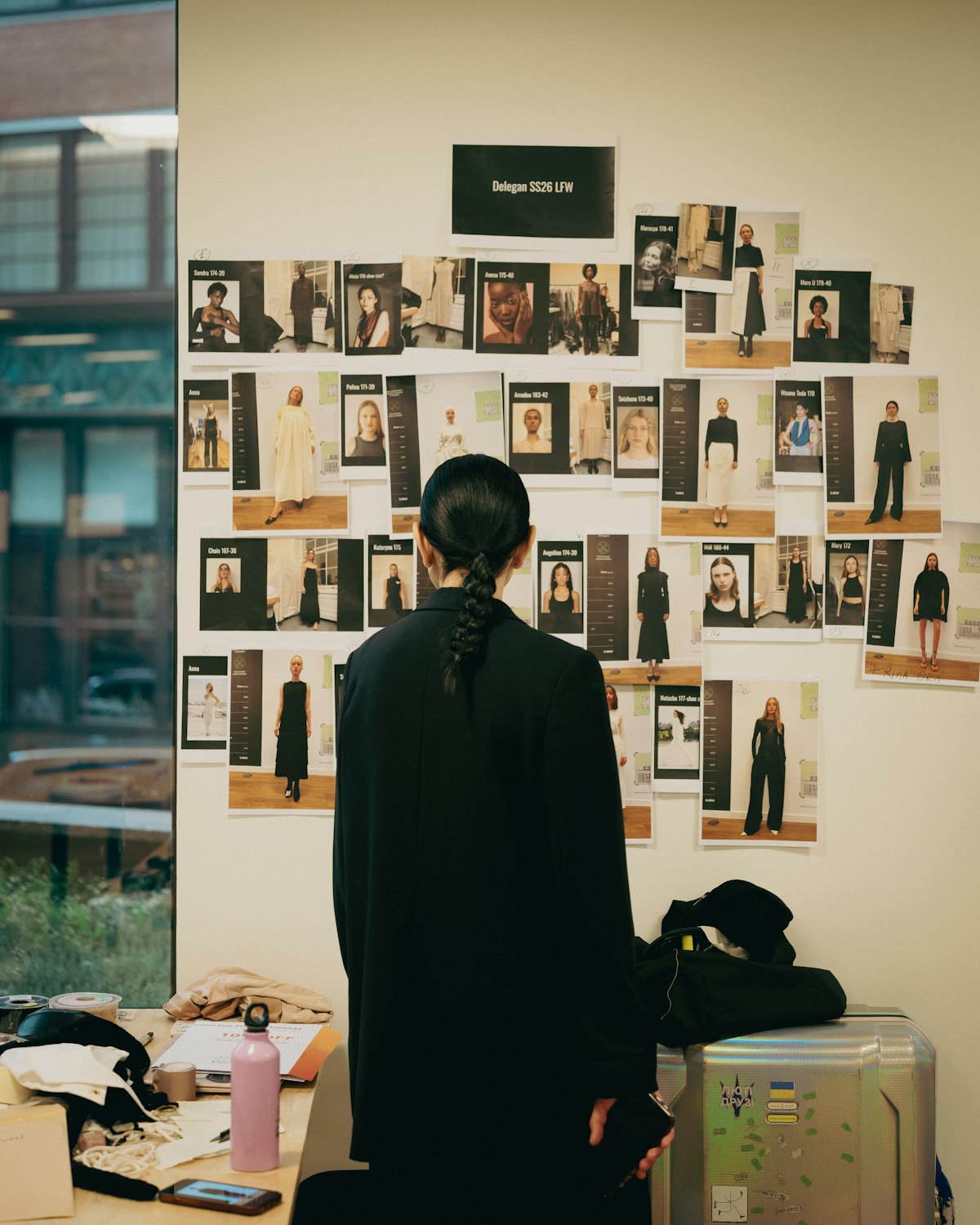
Where possible, generate a look with extra space around the subject so it can be safely reframed to multiple ratios. Composing with room to crop beats salvaging a tight frame later.
The Benchmark to Hit
If a single hero shoot is not producing at least twenty usable assets, you are leaving value on the table. Treat every shoot as raw material to be fully mined, not a one-time post. This is where cheap AI production compounds into an omni-channel presence a tiny team can sustain.
Create once, distribute forever. The brands that win are not the ones that make the most — they are the ones that reuse the smartest.
— Fittins AI Team
Your Post-Shoot Repurposing Checklist
- Generated each hero look in all core aspect ratios up front.
- Generated on-model close-up detail shots.
- Generated videos of the two or three strongest looks.
- Sliced everything into platform-native posts, Stories, banners, and ads.
- Logged the batch in the calendar and scheduled the drip.
Multiply Your Content in Fittins AI
Fittins AI lets you generate every look in the aspect ratios your channels need, add on-model detail shots, and generate matching videos with the same AI model and products — so one shoot becomes a complete, omni-channel asset library. Create once, publish everywhere.
Continue reading

