
A complete walkthrough for layering directed sound — diegetic Foley, ambient atmosphere, and voiceover — onto your generated fashion videos. The single fastest way to take your video output from generated to cinematic.

A silent fashion video can be beautiful. A fashion video with the right sound is cinematic. The difference is not subtle — viewers process audio in roughly 50 milliseconds, faster than they consciously register the image. By the time the eye has caught up to your composition, the ear has already decided whether the moment feels real.
Fittins AI lets you layer directed sound onto any generated video — ambient atmosphere, diegetic Foley (the actual sounds of the scene), and voiceover. Used well, it is the single fastest way to push your video output from "generated" to "produced."
What the Feature Includes
Sound generation in Fittins AI covers ambient soundscapes (room tone, weather, environment), diegetic Foley (footsteps, fabric whispers, doors closing), and voiceover (a narrator track over your video). All three can be layered into the same clip and exported baked into the final file.
Around two-thirds of social video is consumed muted. That fact tempts a lot of creators to skip sound design entirely — and that is the mistake. The third of viewers who do unmute are disproportionately your most engaged audience: the ones who pause, who watch twice, who save the post. They are the viewers most likely to convert. They deserve a real sound experience, not a default music bed pulled from a stock library.
Design for Both States
Your video should work silently for the muted majority — captions, motion, visual rhythm. And it should reward the unmuted minority with sound that feels intentional. Treat sound as a layer that *adds*, never one that *replaces* what the visuals already do.
Sound design comes after the visual. Generate the video clip you want to score, or open an existing project. The clip should already feel right visually — sound is there to amplify, not to fix problems with the picture.
In the video generation panel, locate the sound or audio toggle. Enabling it unlocks the directed-sound prompt field, where you describe what the clip should sound like the same way you describe what it should look like.
Decide whether the clip needs ambient atmosphere (room tone, weather, distant traffic), directed Foley (specific actions you can hear — footsteps, fabric movement, a door closing), or both layered together. For most fashion video, ambient + one or two directed Foley cues is the sweet spot.
Treat this prompt the same way you treat your visual prompt — be specific. Replace "soft music" with "the gentle whisper of silk against the model's steps, faint room tone of an empty marble hall, distant echo of a closing door at 0:03." The more concretely you direct the sound, the more cinematic the result.
Generate the video with sound and preview it muted *and* unmuted. If the sound design fights the image instead of supporting it, regenerate with a more restrained prompt. Once it lands, export the file with audio baked in — ready to publish anywhere.
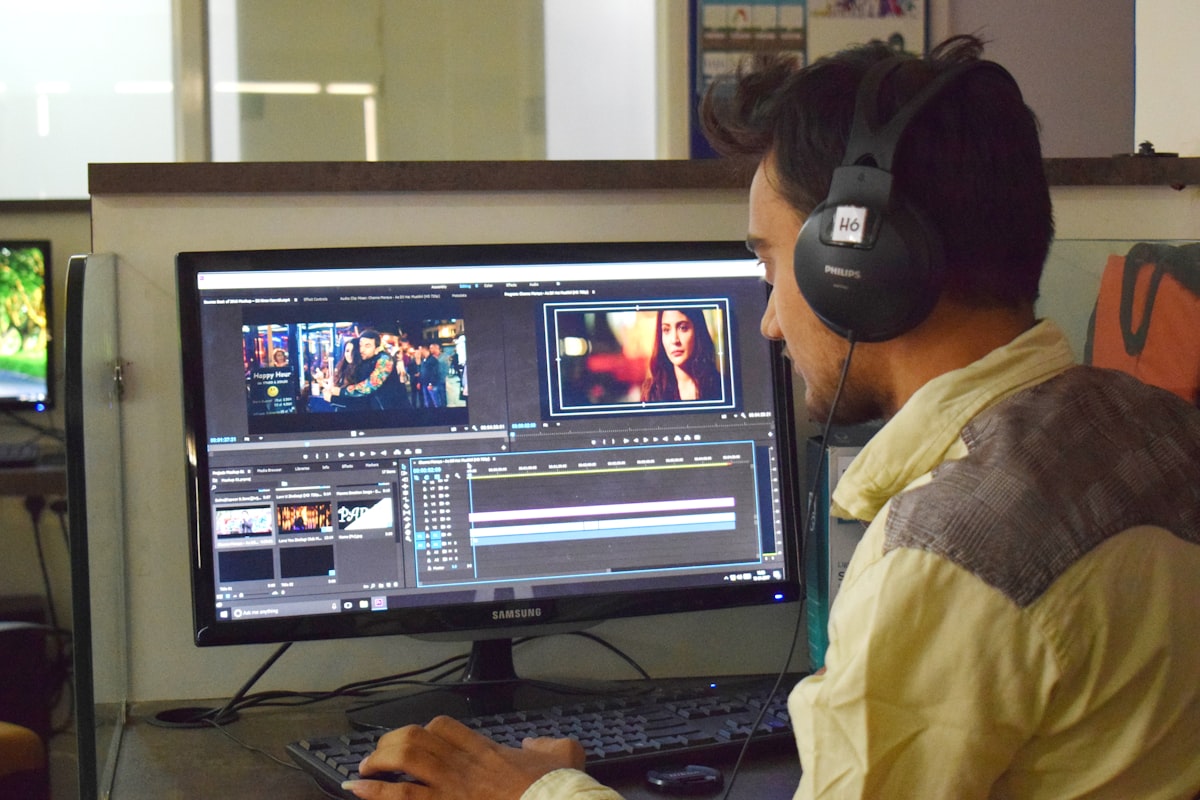
The categories of sound a fashion video can carry are smaller than they look — and naming them out loud makes your prompts dramatically more effective.
The Four Sound Categories Worth Directing
The Two Pitfalls That Kill Sound Design
First: too much. Layering five sounds in a five-second clip turns the audio into mud. Pick one or two and let them breathe. Second: too generic. "Soft background music" is what the AI defaults to when the prompt is vague — and it always sounds like a stock cue. Be specific or be silent.
Voiceover in fashion video is the high-stakes audio choice. Done well, it elevates the brand to editorial territory. Done badly, it makes the work feel like an infomercial. The rule of thumb: keep it short, keep it sparse, and make sure the line says something the visual cannot. A six-word voiceover over a perfect cinematic shot is almost always more powerful than a thirty-second voiceover that spells everything out.
When Voiceover Earns Its Place
Voiceover works best for: a manifesto-style brand film, a single line that names what the moment is about, a hook delivered before the visual reveal, or a closing line over the final beat. It rarely works as continuous narration over a fashion piece — the visuals already say more than the words can.
Match the Audio to the Brand
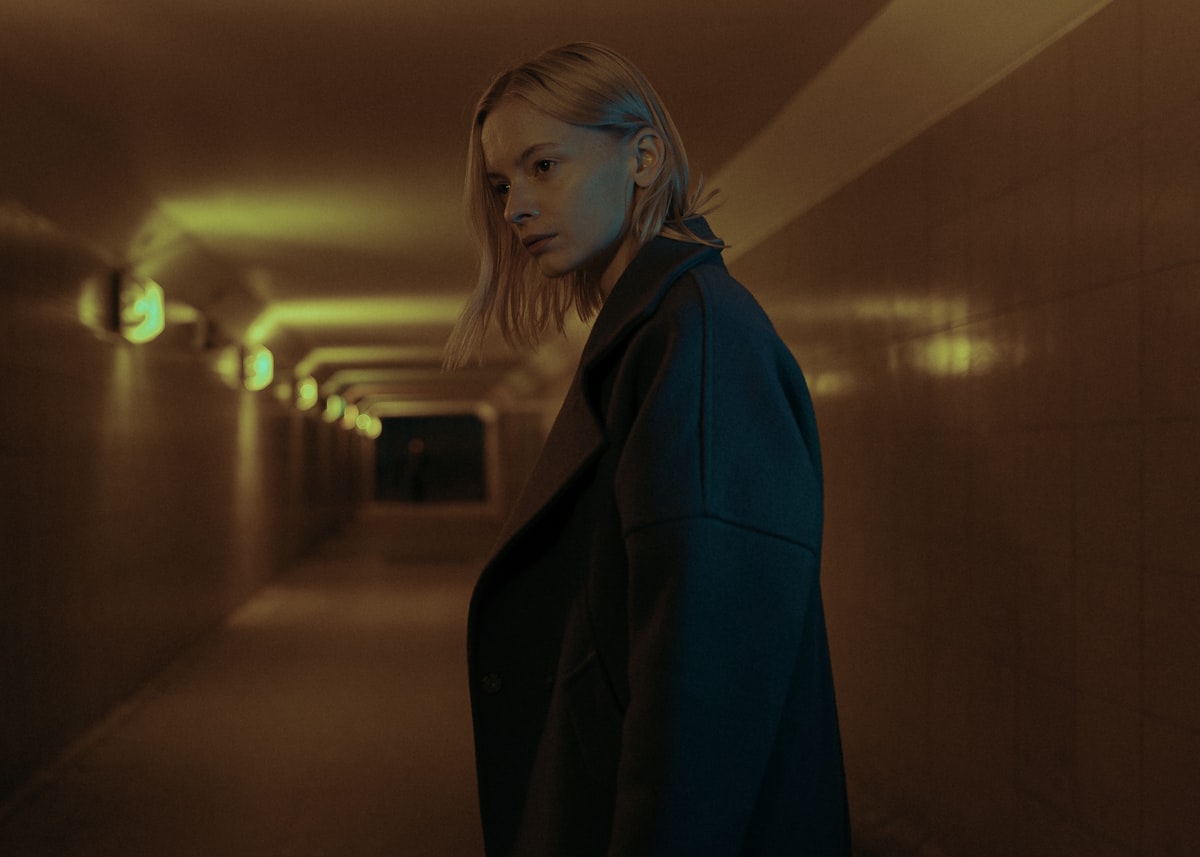
The "Less Is More" Rule
When in doubt, strip the sound back. A clean piece of room tone and one well-placed Foley cue almost always outperforms a busy soundscape. Audiences register intention faster than they register volume — and intentional silence reads as expensive.
The eye watches the image. The ear decides whether to believe it. Treat sound as the second half of the shot, not as a finishing touch.
— Fittins AI Team
Try It on Your Next Clip
Open one of your existing video projects, enable the sound options, and write a single specific Foley line. Compare the with-sound version to the silent original. The lift in perceived production value is usually immediate.
