

One Shoot, Twenty Assets: Repurposing AI Fashion Content Across Every Channel
The pros don’t create separate content for every platform — they build one strong campaign and multiply it. Here is a repeatable system for turning a single AI fashion shoot into an omni-channel asset library.

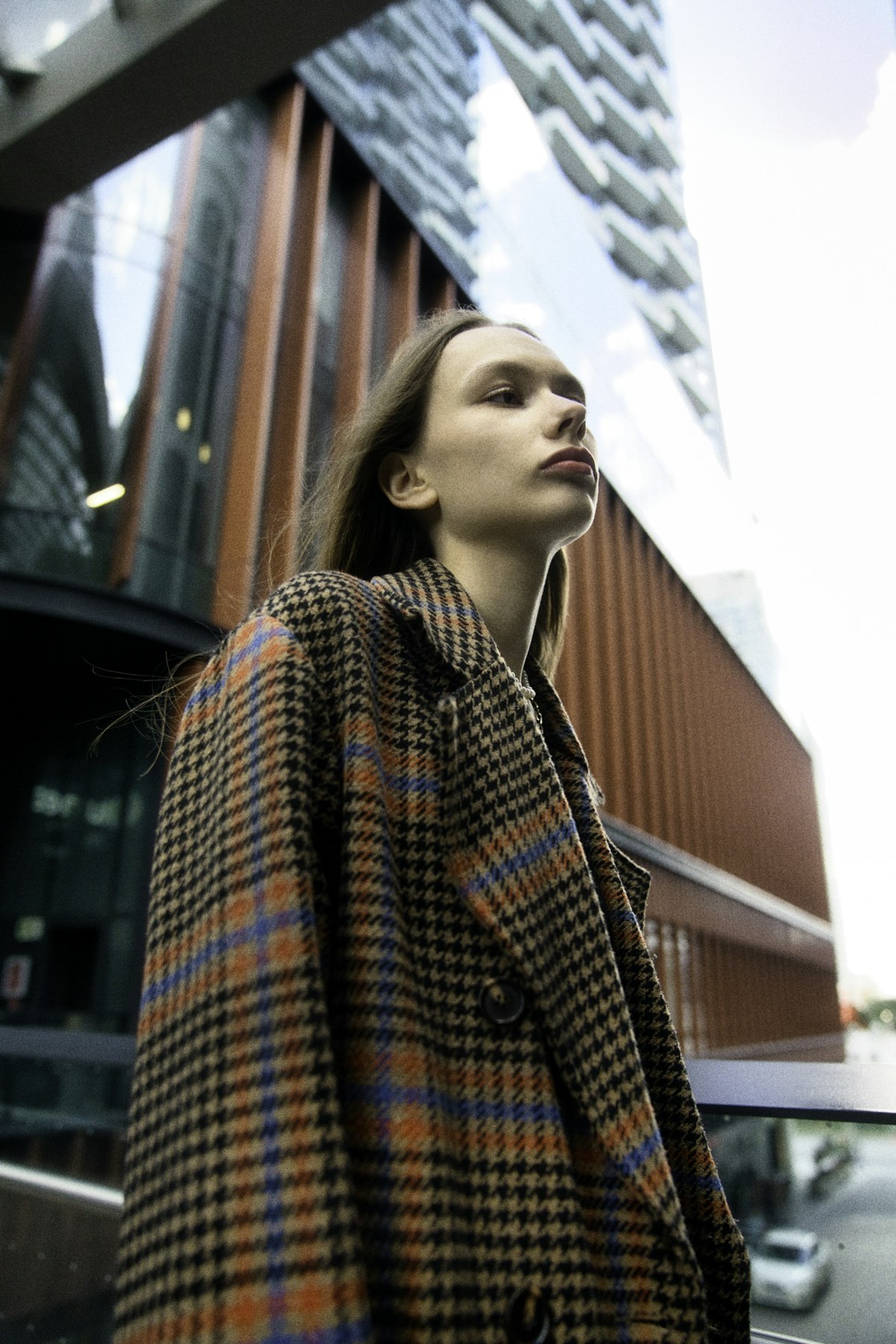
Made with Fittins AI · View this image
Here is a secret that separates brands who "post a lot" from brands who are everywhere: they are not creating more content. They are multiplying the content they already made. One well-planned campaign, sliced and reframed correctly, can feed a month across every channel you care about.
The skill is not production — AI already made production cheap. The skill is repurposing: extracting maximum value from a single creative concept.
The Multiplier Mindset
Stop asking “what should I post today?” Start asking “how many assets can I get from this one campaign?” A single hero shoot should yield a landscape ad, a vertical Reel, a product-page image, an email banner, and a dozen social posts — from the same source.
Start by Shooting for Every Aspect Ratio
Repurposing fails when you shoot for one format and try to crop into the rest. A gorgeous vertical portrait butchered into a square banner helps no one. The fix is to plan formats before you generate: produce each hero look in the aspect ratios every channel actually needs.
The Ratios You Actually Need
- 9:16 vertical — Reels, TikTok, Stories. The highest-reach format today.
- 1:1 square — the safe, universal in-feed post.
- 4:5 portrait — takes up the most feed real estate on Instagram. Fittins AI does not output 4:5 directly, so generate in 3:4 and trim slightly.
- 16:9 landscape — website heroes, YouTube, email banners, ads.
- Product-page ratio — whatever your store standardizes on (often 3:4 or 1:1).
Generate Wide, Deliver Narrow
Where possible, generate a look with enough surrounding space that it can be safely reframed to multiple ratios. Composing with the crop in mind from the start beats salvaging a bad crop later every single time.
The Asset Multiplication Map
Once you have a hero campaign — say, three looks on one model in one location — here is how it fans out into a full library. This is the map to run after every shoot.
ONE HERO SHOOT (3 looks)  →
  ├─ E-commerce   : on-model hero + detail close-up + back view
  ├─ Instagram    : 3 feed posts + 1 carousel + 4 Stories
  ├─ TikTok/Reels : 2 vertical videos (styling + reveal)
  ├─ Email        : 1 hero banner + 2 product blocks
  ├─ Paid ads     : 3 ratios × 2 variations for testing
  └─ Website      : landing hero + lookbook section
= 20+ assets from a single creative conceptNative, Not Copy-Paste
Repurposing is not posting the identical image everywhere. It is re-framing one concept into each platform’s native language — vertical and fast for TikTok, clean and zoomable for the product page, punchy and benefit-led for ads.
Add Motion to Your Best Looks
The highest-leverage repurposing move today is adding short video of your best looks. Generate a 5- or 10-second clip with the same AI model, products, and location — a fabric-in-the-wind moment or a slow push-in turns a static hero look into a scroll-stopping Reel — and video often earns more reach than stills.
Pick your strongest stills
Not every image needs to move. Choose the two or three hero looks with the most drama or the clearest garment story and generate video versions of those.
Add purposeful motion
Aim for motion that reveals the garment — fabric flowing, a slow turn, a gentle camera push. Movement should sell the clothes, not just decorate the frame.
Cut for each platform
Generate a punchy 5-second vertical (9:16) clip for TikTok and Reels, and a 10-second 16:9 version for the website or YouTube. Same look, two native formats.

Create once, distribute forever. The brands that win are not the ones that make the most — they are the ones that reuse the smartest.
— Fittins AI Editorial
A Repeatable Repurposing Workflow
Run This After Every Shoot
- Generate each hero look in your core aspect ratios up front — never crop as an afterthought.
- Generate close-up detail shots of each garment on the model for your product pages.
- Generate short videos of the two or three strongest looks with the same model, products, and location.
- Slice everything into platform-native posts, Stories, banners, and ad variants.
- Log the batch in your calendar and drip it out over the following weeks.
The 1-to-20 Benchmark
If a single hero shoot is not producing at least twenty usable assets, you are leaving value on the table. Treat every campaign as raw material to be fully mined, not a one-time post.
Why This Changes the Game
Repurposing is where AI fashion content compounds. Cheap production plus disciplined multiplication means a tiny team can maintain the omni-channel presence that used to require an agency and a five-figure monthly budget. You are not just making images faster — you are making every image work harder.
Multiply Your Content With Fittins AI
Fittins AI lets you generate every look in the aspect ratios your channels use (1:1, 9:16, 16:9, 3:4, 4:3, 3:2, and 2:3 for images; 1:1, 16:9, and 9:16 for video) and create matching 5- or 10-second videos with the same model and products — so one concept becomes a complete, omni-channel asset library. Create once, publish everywhere.
